Boost Your Router Security with Expert Tips!
Learn how to safeguard your home network with strong passwords, WPA3 encryption, VPNs, and more. Stay protected!
Why Securing Your Home Network Is Crucial
If you don't secure your home Wi-Fi network, cyber threat actors can perform a number of operations that are detrimental to your privacy and security.
Attacking your router can give hackers access to all of the devices connected to it, including your banking app, work laptop, kids' tablets, and every smart camera, thermostat, and speaker on the network.
How to Secure Your Home Network Router
A secure home network is an essential part of protecting your devices and personal data. Here are some simple steps to follow:
- Change the Default Router Password: Change the default admin password of your router from the manufacturer's default to a strong, unique password.
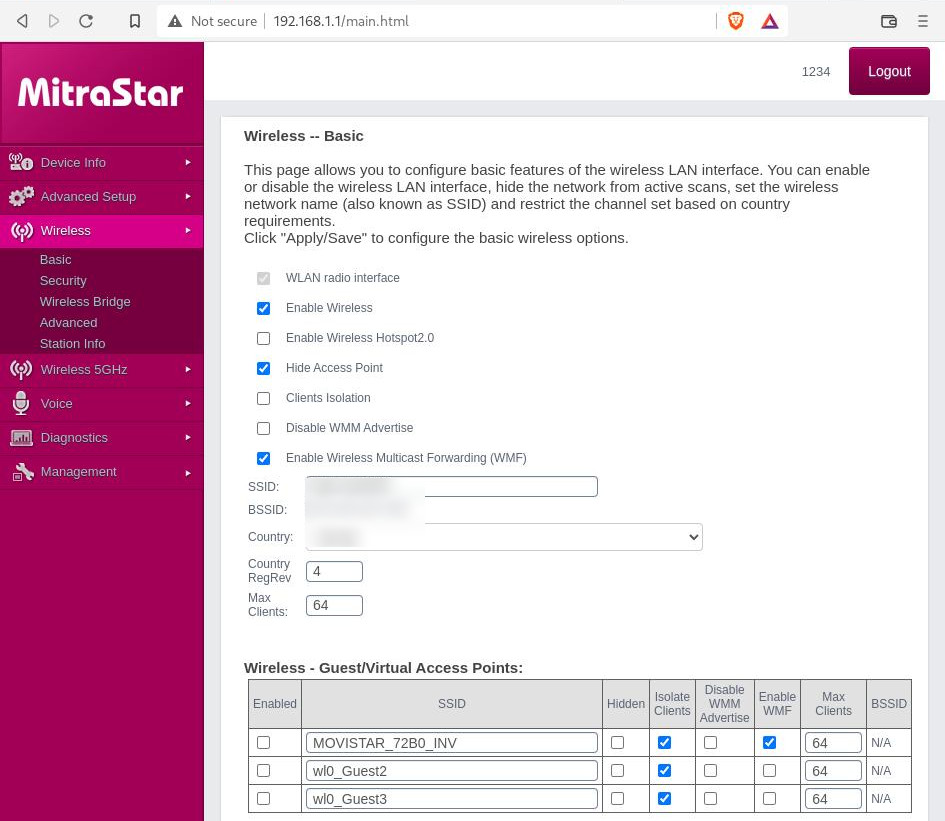
- Change the Network Name (SSID): Rename your network to something unique and not easily guessable.
- Enable WPA3 Encryption: Update your router to support WPA3 encryption, which is more secure than WPA2.
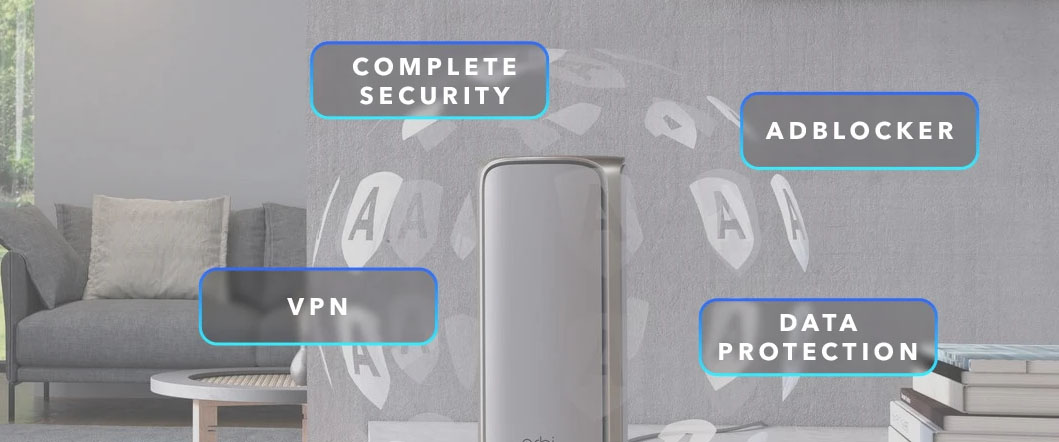
- Use a VPN (Virtual Private Network): Use a VPN to mask your original IP address and encrypt your internet traffic.
- Keep Your Router's Firmware Up-to-Date: Regularly update your router's firmware to ensure you have the latest security patches and features.
- Use Quality of Service (QoS) Settings: Configure QoS settings to prioritize important traffic, such as online gaming and video streaming.
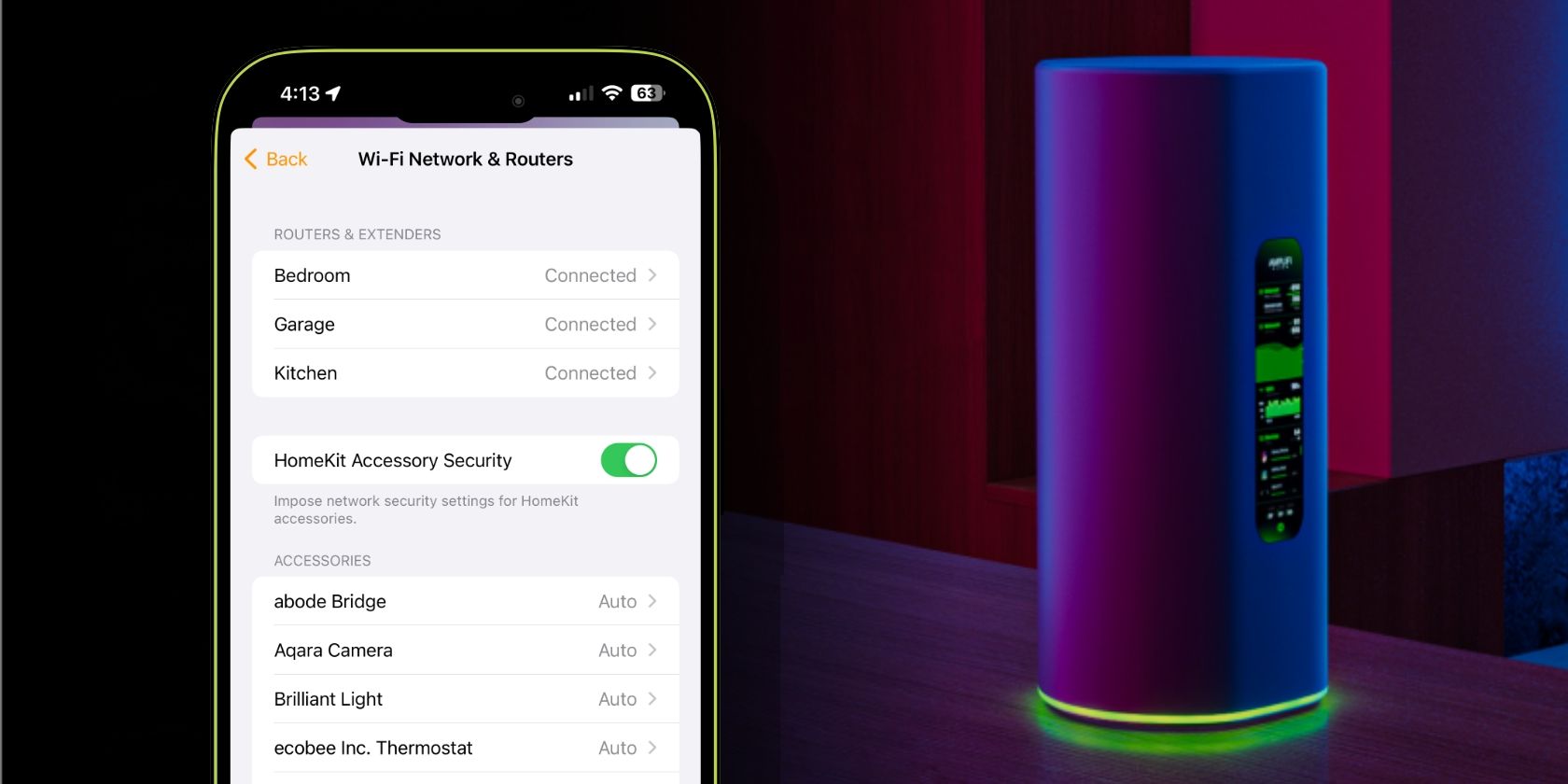
- Segment Your Network: Segment your network into different sub-networks to isolate IoT devices and prevent unauthorized access.
- Use a Firewall: Enable the firewall on your router and configure it to block unauthorized traffic.
Additional Tips to Secure Your Home Network
Here are some more tips to ensure your home network remains secure:
- Use Strong Passwords: Use strong, unique passwords for all devices connected to your network.
- Enable Two-Factor Authentication: Enable two-factor authentication for all devices connected to your network.
- Regularly Monitor Your Network: Regularly monitor your network for any suspicious activity.
- Use a Network Scanner: Use a network scanner to identify any unknown devices connected to your network.
Conclusion
Securing your home network router is crucial to protecting your devices, personal data, and online identity. By following these simple steps and tips, you can ensure your home network remains secure and private.
Get Started Today!
Take the first step towards securing your home network today. Follow these expert tips and stay protected from cyber threats!