How to Protect Yourself from Online Phishing Scams
Phishing scams have become a significant concern in today's digital age, with thousands of people falling victim to these types of attacks every year. In this article, we will explore the topic of online phishing scams, discuss the ways in which you can protect yourself, and provide tips on how to stay safe online.
What are Phishing Scams?
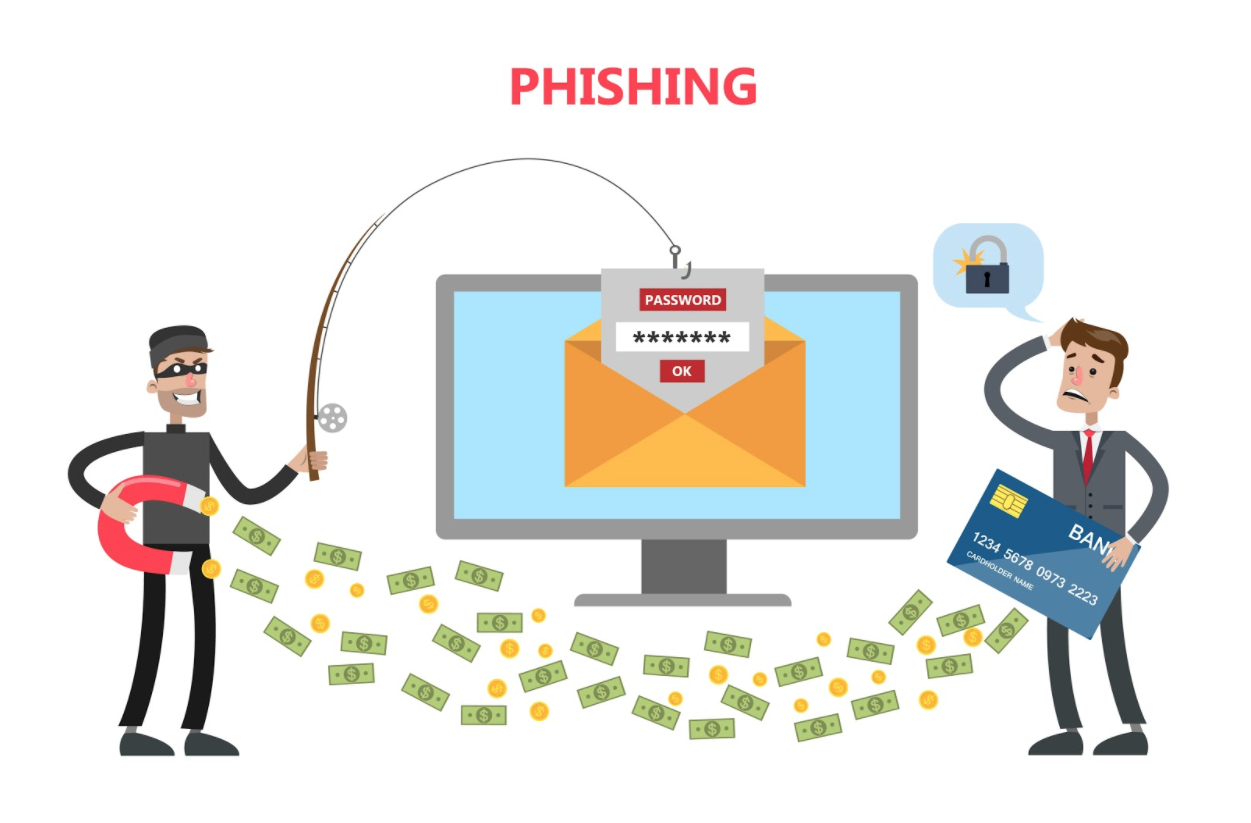
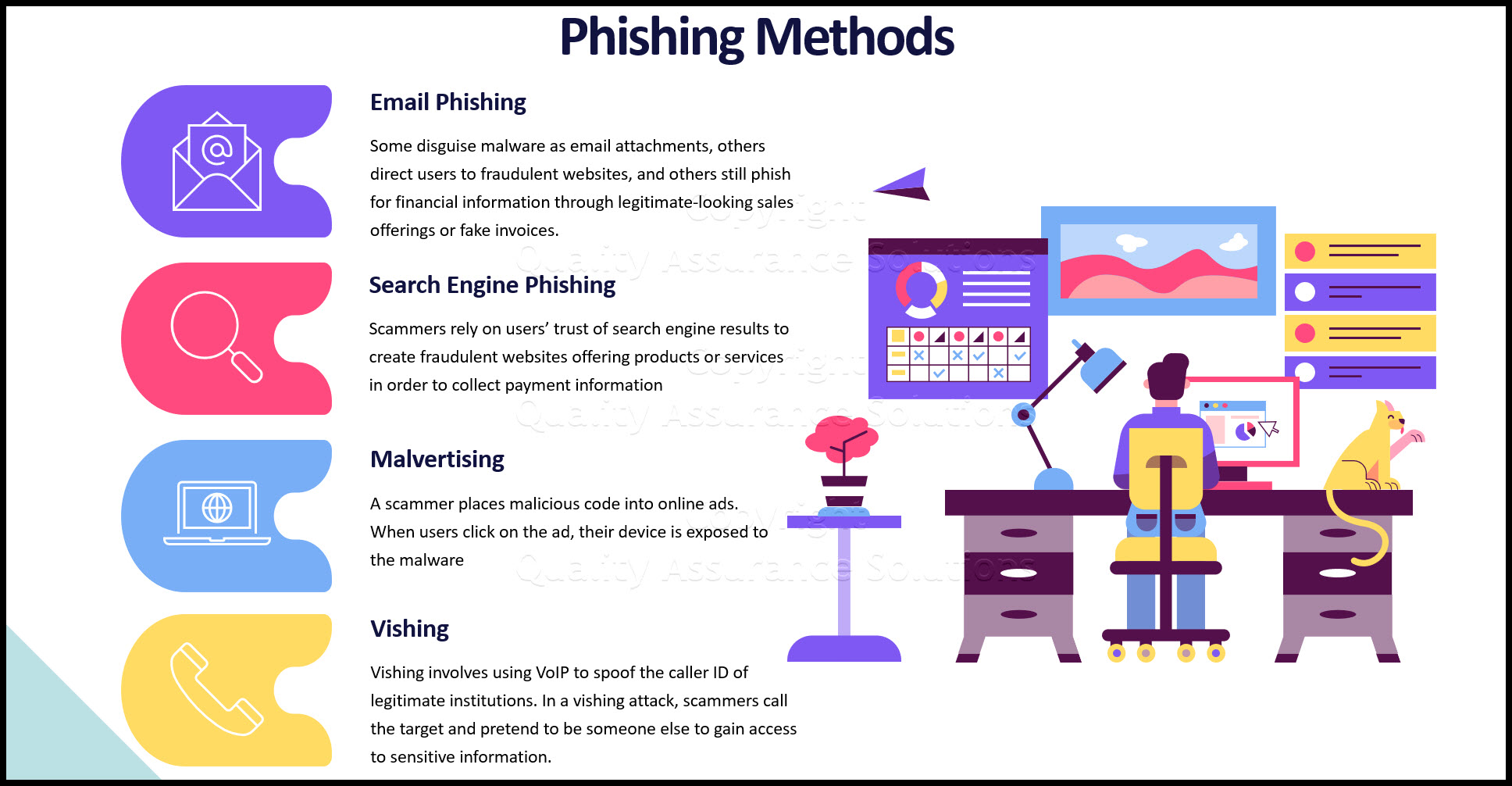
Phishing scams, also known as "fishing" scams, involve tricking individuals into revealing sensitive information, such as passwords, credit card numbers, or personal identification numbers (PINs). These scams often take the form of emails, texts, or instant messages that appear to come from a legitimate source, such as a bank or a government agency.
How Do Phishing Scams Work?
Phishing scams typically involve the following steps:
- The scammer sends an email, text, or instant message that appears to come from a legitimate source.
- The message creates a sense of urgency or panic, such as claiming that the recipient's account has been hacked or that they owe a large sum of money.
- The recipient is tricked into clicking on a link or downloading an attachment that contains malware or a virus.
- The malware or virus steals sensitive information from the recipient's device.
How to Protect Yourself from Phishing Scams
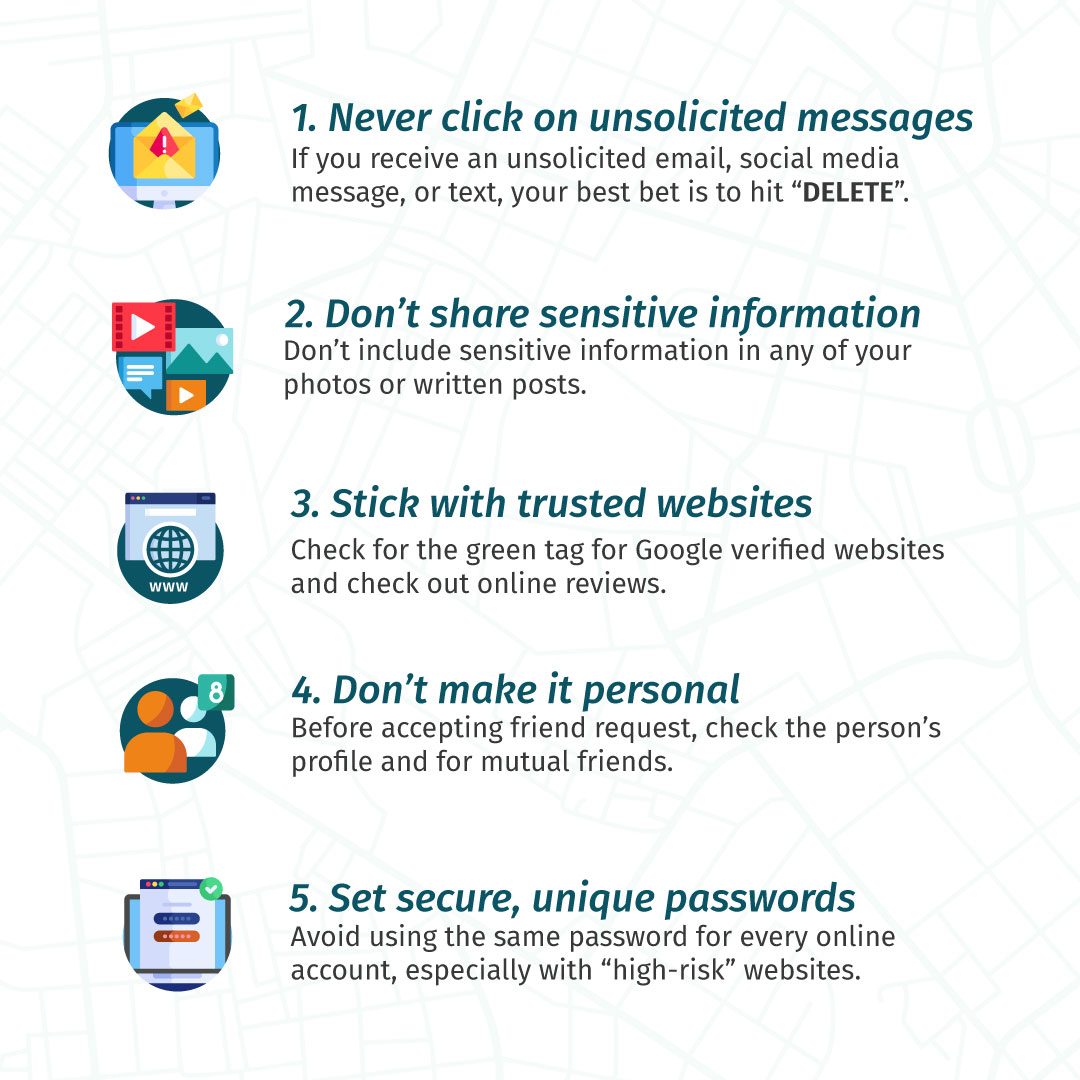
Protecting yourself from phishing scams requires a combination of awareness, caution, and good cybersecurity practices. Here are some tips to help you stay safe online:
Be Cautious with Emails and Texts
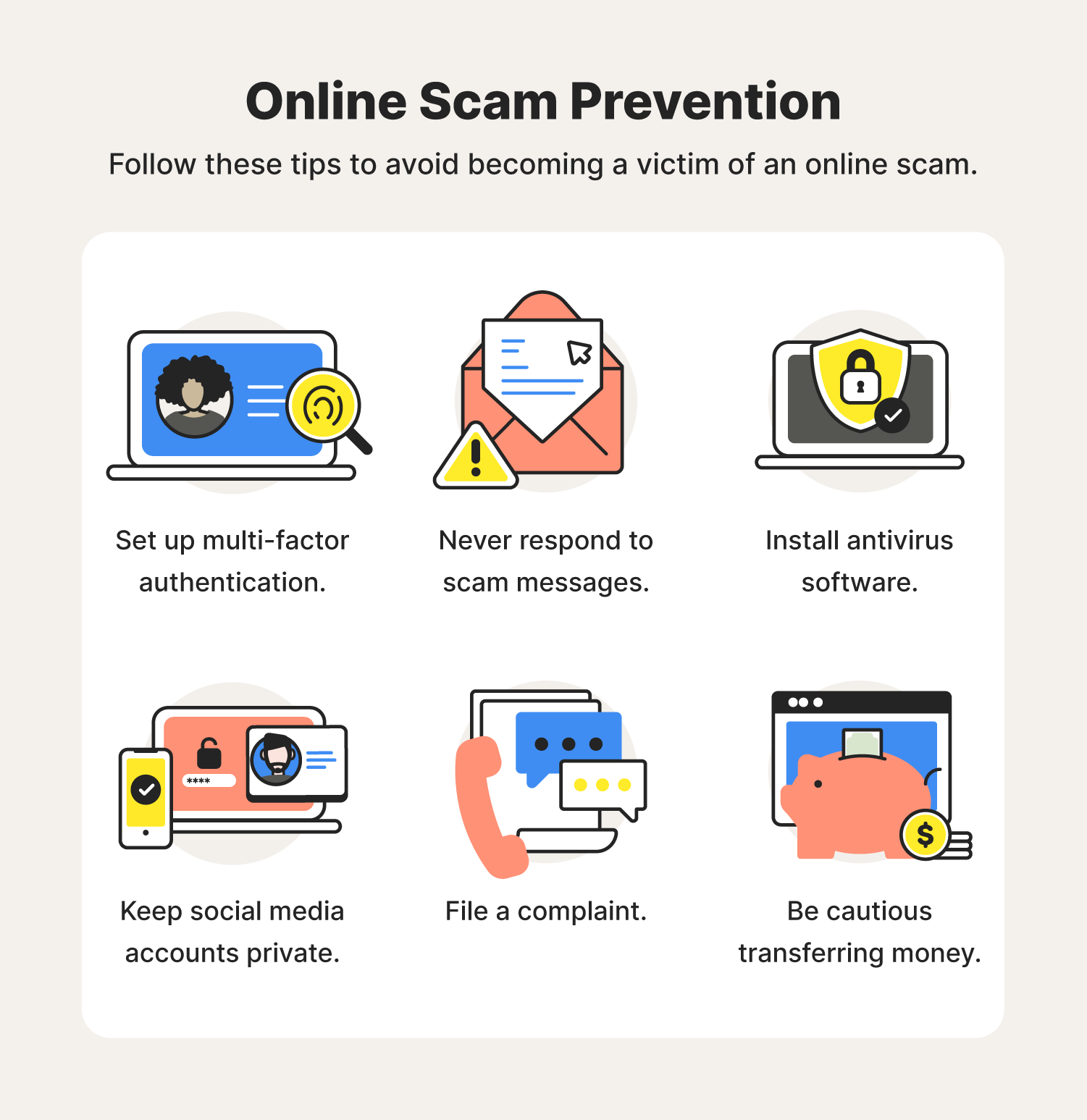
Be wary of emails and texts that create a sense of urgency or panic. Legitimate organizations will not ask you to provide sensitive information via email or text. If you receive a suspicious message, do not click on any links or download any attachments.
Use Strong Passwords and Two-Factor Authentication
Use strong, unique passwords for all of your online accounts, and consider enabling two-factor authentication (2FA) to add an extra layer of security. 2FA requires you to provide a second form of verification, such as a code sent to your phone, in addition to your password.

Keep Your Software and Operating System Up to Date
Make sure your operating system, browser, and other software are up to date with the latest security patches and updates. This will help to prevent vulnerabilities that scammers can exploit.
Use Antivirus Software and a Firewall
Install reputable antivirus software and a firewall to help protect your device from malware and other online threats.
Monitor Your Accounts and Credit Report
Regularly monitor your bank and credit card statements, as well as your credit report, for any suspicious activity.
Common Types of Phishing Scams
There are many different types of phishing scams, including:
- Brute Force Phishing: Scammers use automated software to send thousands of emails or texts to a large number of recipients, hoping to catch a few off guard.
- Whaling: Scammers target high-profile individuals, such as executives or politicians, with tailored phishing attacks.
- CEO Fraud: Scammers impersonate a company's CEO or other high-ranking executive to trick employees into transferring money or revealing sensitive information.
- Business Email Compromise (BEC): Scammers target businesses, often through email or phone, to trick employees into revealing sensitive information or transferring money.
Conclusion
Phishing scams are a serious threat to online safety, but there are steps you can take to protect yourself. By being aware of the types of phishing scams, using strong passwords and two-factor authentication, keeping your software and operating system up to date, and monitoring your accounts and credit report, you can reduce your risk of falling victim to these types of attacks.