How to Protect Your Online Accounts from Malware and Viruses
Malware is one of the biggest threats to the security of your computer, tablet, phone, and other devices. With the increasing number of online transactions and personal data being shared online, it's essential to learn how to protect yourself from malware and viruses. In this article, we'll guide you through the critical steps to safeguard your online accounts and protect your digital life.
The Dangers of Malware
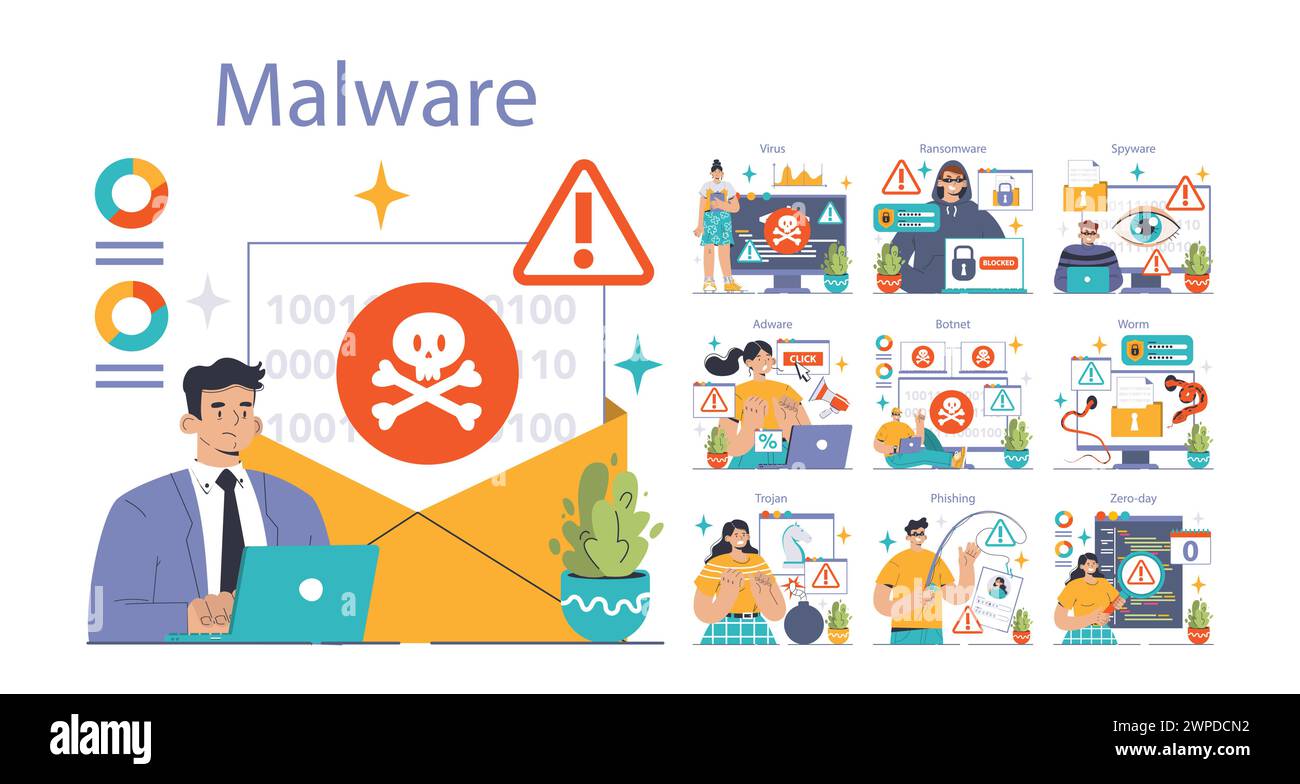
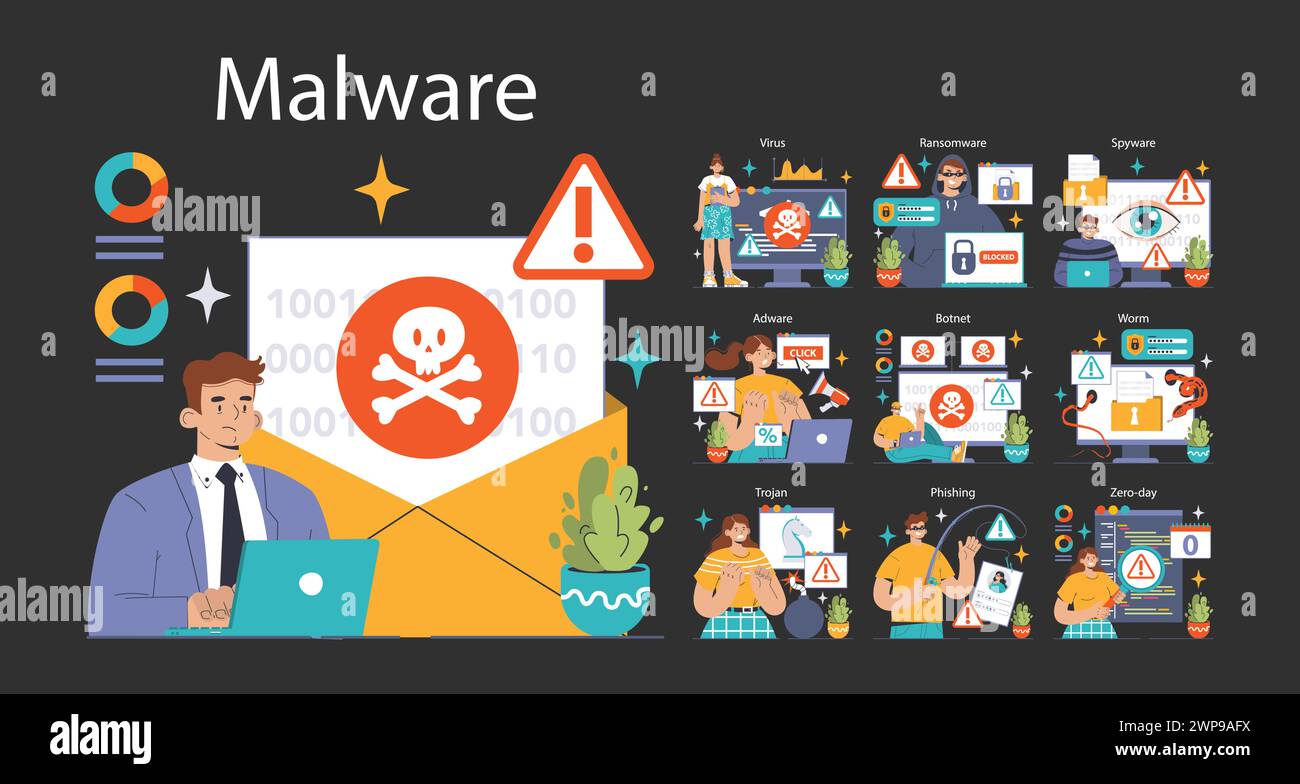
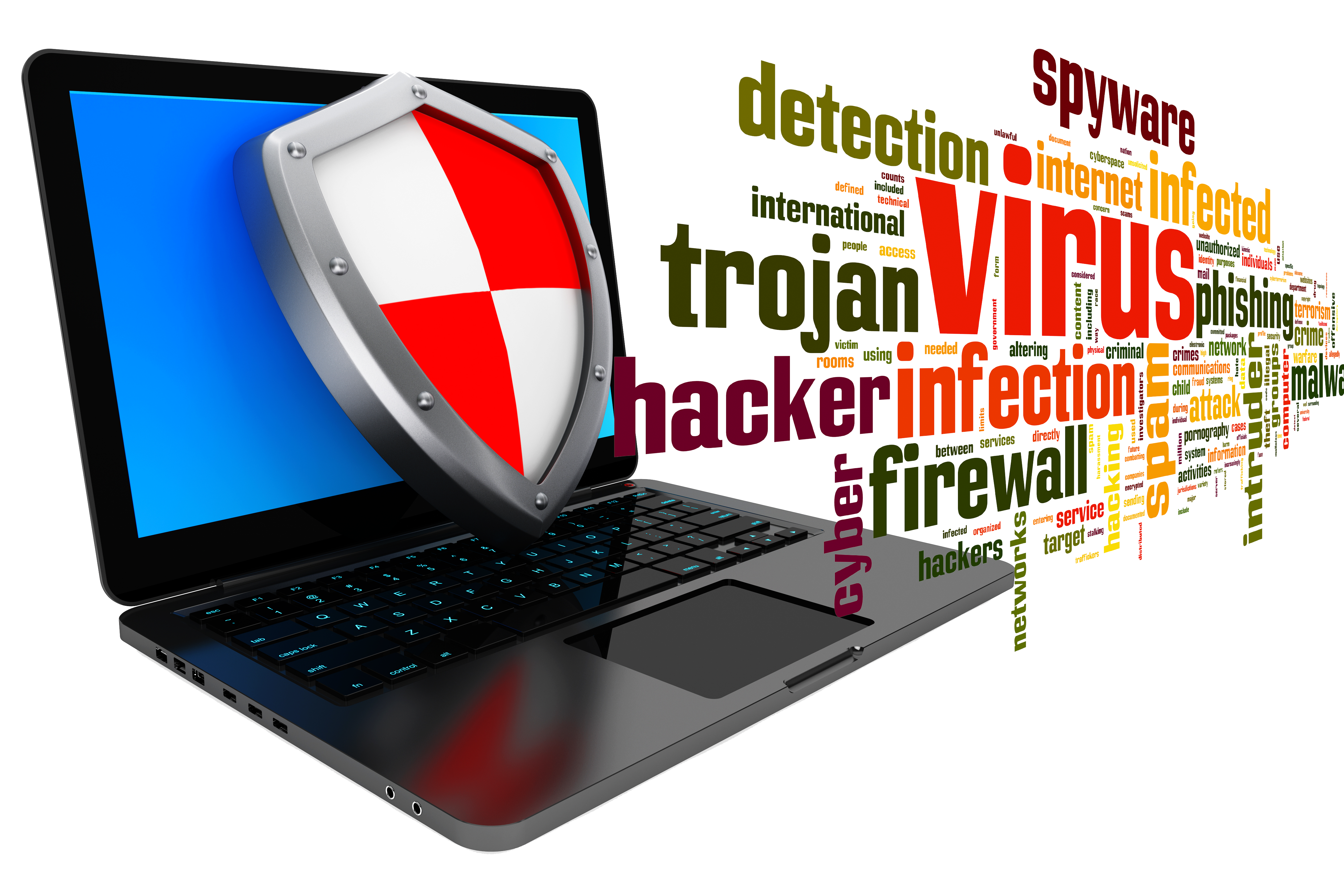
Malware is a type of malicious software that is designed to infiltrate devices, steal data, or gain unauthorized access to accounts that store sensitive information. There are many types of malware, including computer viruses, trojans, adware, worms, and ransomware. Each type of malware can cause significant damage to your device and compromise your personal data.
How Malware Enters Your System
Malware can enter your system through various means, including:
- Phishing attacks: Scammers use email or text messages to trick you into installing malware or revealing sensitive information.
- Infected software downloads: Downloading software from untrusted sources can lead to malware infection.
- Unsecured networks: Using public Wi-Fi or unsecured networks can expose your device to malware.
- Outdated software: Failing to update your operating system, browser, or other software can leave you vulnerable to malware.
Recognizing the Symptoms of Malware
To protect your online accounts from malware, it's essential to recognize the symptoms of malware infection. Some common signs of malware include:
- Slow computer performance: Malware can slow down your computer and cause it to crash.
- Unusual pop-ups and ads: Malware can generate pop-ups and ads that are difficult to close.
- Unexplained changes to your computer: Malware can modify your computer's settings and cause unexpected changes.
- Loss of data: Malware can steal or delete your sensitive information.
How to Remove Malware
If you suspect that your device has malware, it's essential to remove it immediately. Here are some steps to follow:
- Run a virus scan: Use an anti-virus software to scan your device for malware.
- Update your software: Ensure that your operating system, browser, and other software are up-to-date.
- Change your passwords: Change your passwords for all accounts, especially if you suspect that your information has been compromised.
- Seek professional help: If you're unsure about how to remove malware, seek help from a professional or contact the manufacturer's support team.
Preventing Malware Infections
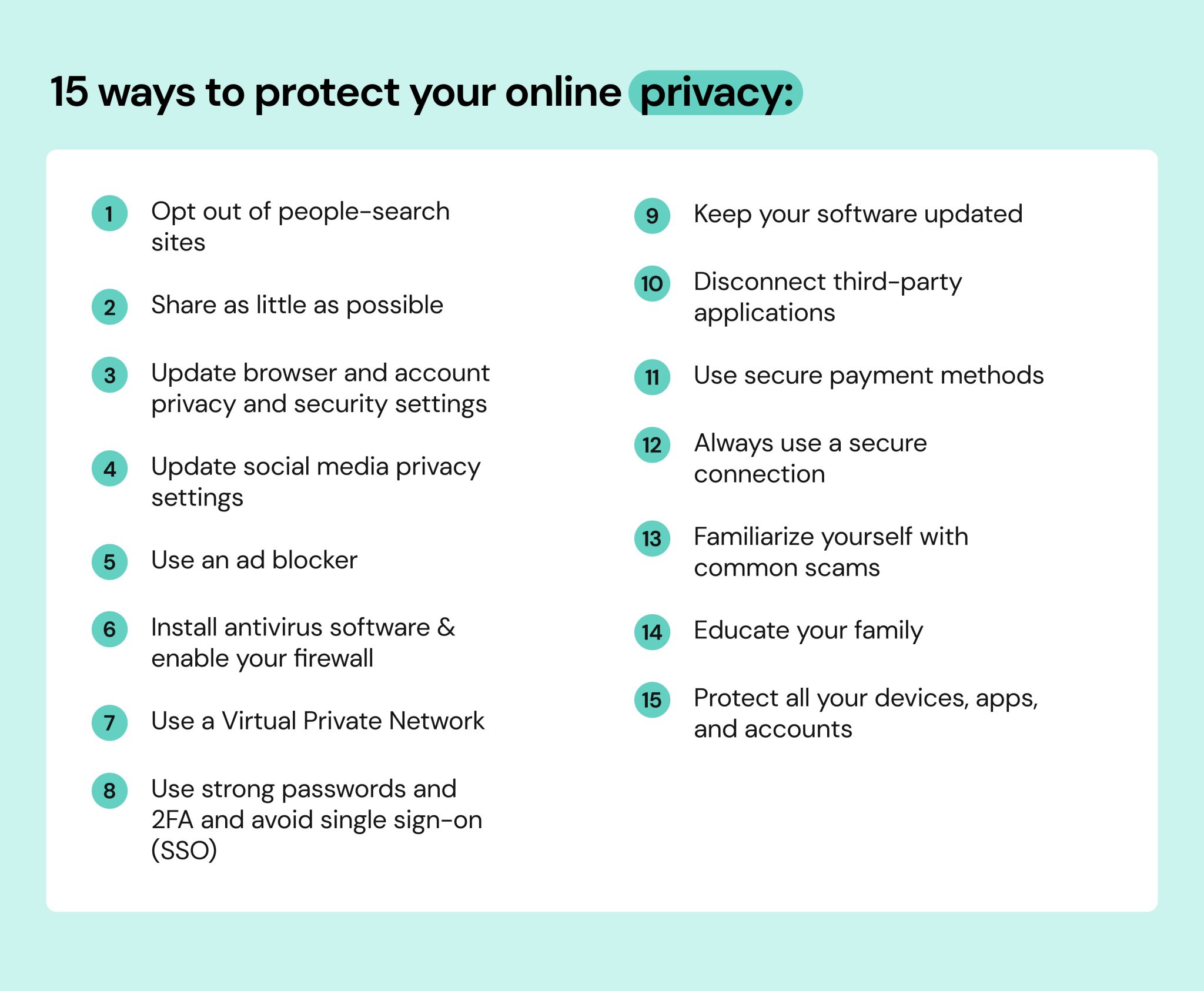
To protect your online accounts from malware, it's essential to follow some basic cybersecurity best practices:
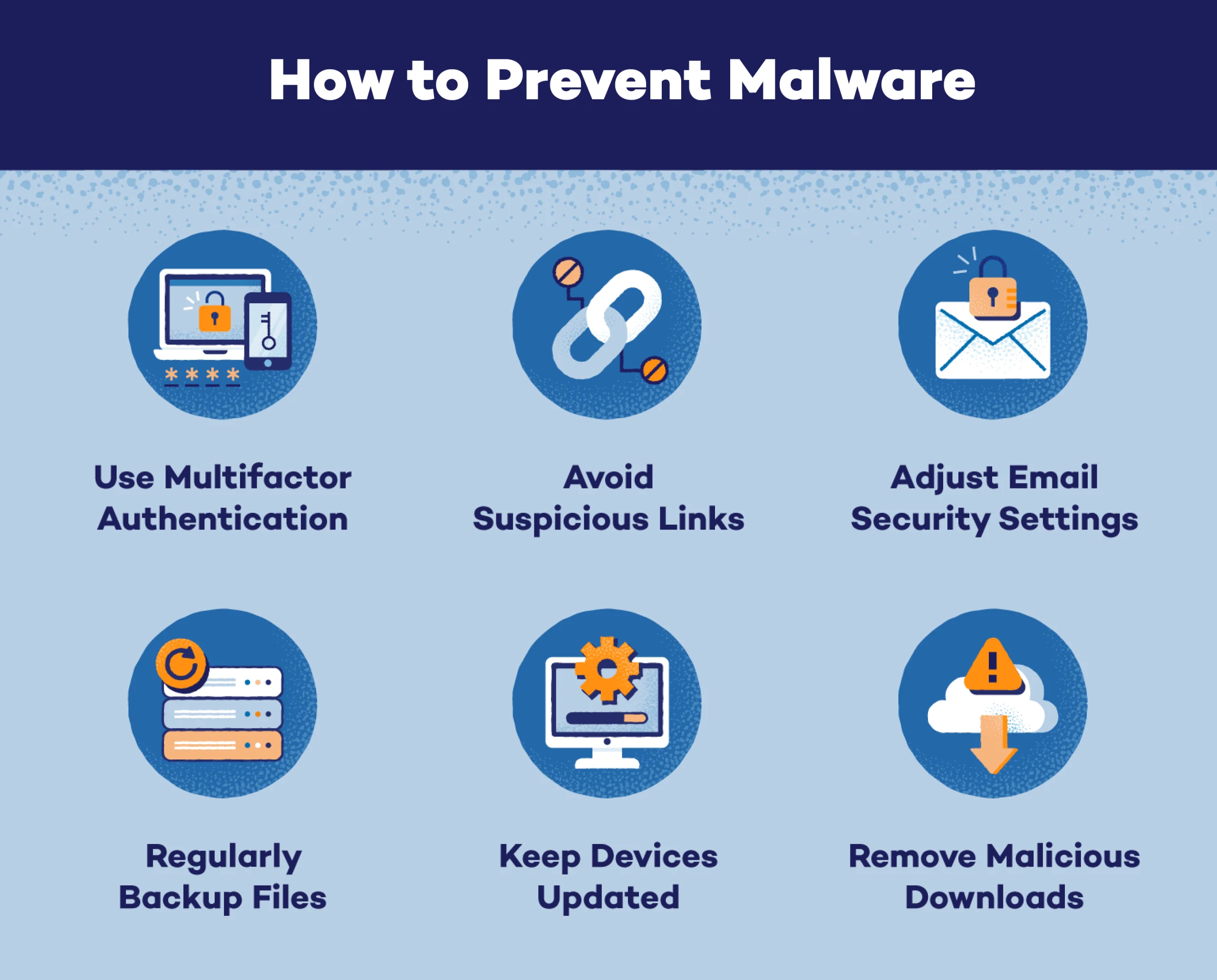
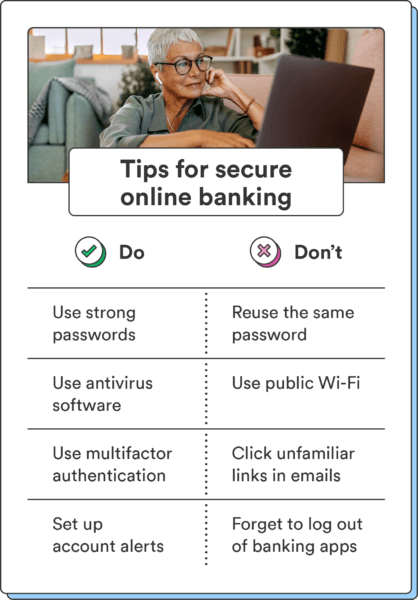
- Use strong passwords: Use unique and complex passwords for all accounts.
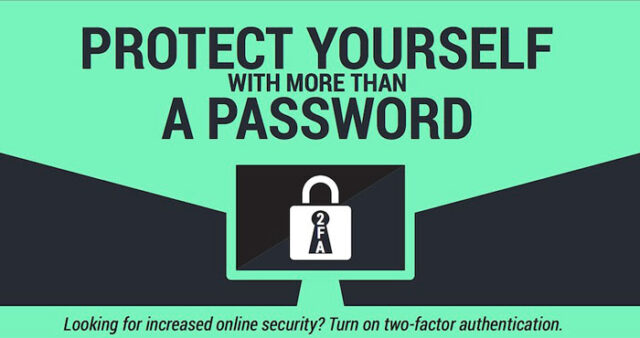
- Enable two-factor authentication: Use two-factor authentication to add an extra layer of security to your accounts.
- Keep your software up-to-date: Regularly update your operating system, browser, and other software to ensure you have the latest security patches.
- Be cautious with email and links: Avoid clicking on suspicious links or opening email attachments from unknown sources.
Conclusion
Malware is a significant threat to your online security, and it's essential to learn how to protect yourself from malware and viruses. By recognizing the symptoms of malware, removing it promptly, and following basic cybersecurity best practices, you can safeguard your online accounts and protect your digital life. Remember, cybersecurity is a shared responsibility, and by working together, we can create a safer online environment for everyone.
Recommended Tools
To help you protect your online accounts from malware and viruses, we recommend the following tools:
- Microsoft Defender: A free anti-virus software that comes pre-installed on Windows devices.
- Malwarebytes: A free anti-malware software that detects and removes malware from your device.
- Avast: A free anti-virus software that provides comprehensive protection against malware and viruses.
- Google Chrome: A secure web browser that provides robust protection against malware and phishing attacks.
By following the tips and recommendations outlined in this article, you can significantly reduce the risk of malware infections and protect your online accounts from malware and viruses.