How to Protect Identity from Online Saboteurs
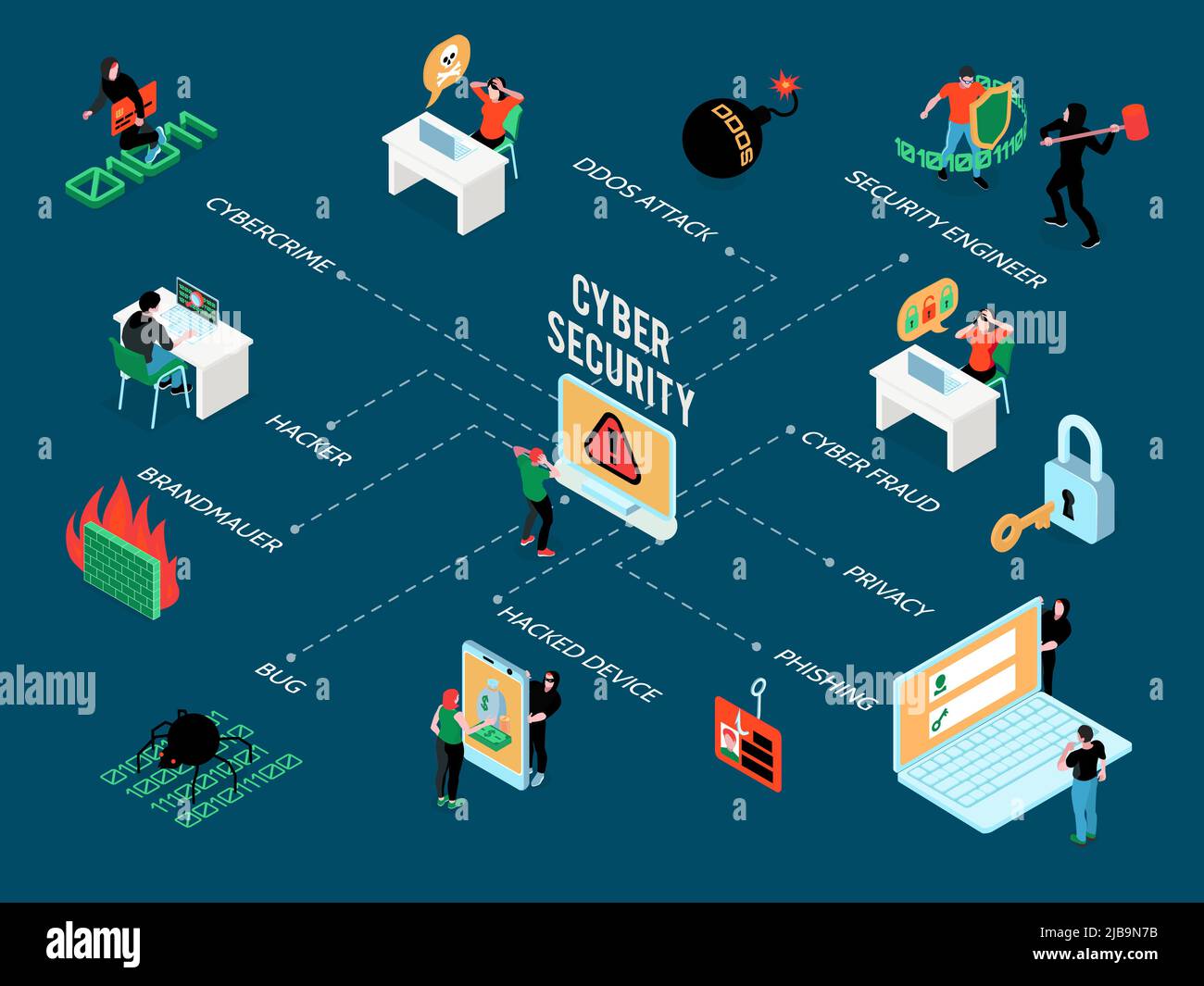
In today's hyper-connected world, your digital identity is more valuable than ever—and more vulnerable. With the rise of artificial intelligence deepfakes, data breaches, and phishing scams, it's no wonder that identity theft is a growing concern for many. But fear not! In this article, we'll show you how to protect your identity from online saboteurs and keep your personal information safe.Why Identity Theft is a Growing Concern
Identity theft is a serious crime that can result in financial loss, credit damage, and even identity fraud. According to the Federal Trade Commission (FTC), nearly 17 million Americans are victims of identity fraud each year. This is why it's essential to take proactive steps to protect your identity online.The Warning Signs of Identity Theft
Before we dive into the tips on how to protect your identity, it's essential to know the warning signs of identity theft. Here are some red flags to look out for:- Unexplained charges or withdrawals from your bank account
- Receiving calls or emails from creditors or collectors
- Denials of credit or loan applications
- Receiving notices from the IRS or other government agencies
- Difficulty logging into online accounts
How to Protect Your Identity Online
Now that we've covered the warning signs, let's get to the good stuff! Here are some actionable tips on how to protect your identity online: ### 1. Use Strong and Unique Passwords Use a password manager to generate and store unique, complex passwords for each of your online accounts. Avoid using easily guessable information like your name, birthdate, or common words. ### 2. Enable Two-Factor Authentication (2FA) 2FA adds an extra layer of security to your online accounts by requiring a second form of verification, such as a code sent to your phone or a biometric scan. ### 3. Be Cautious with Public Wi-Fi When using public Wi-Fi, avoid accessing sensitive information like online banking or email. If you must access these accounts, use a virtual private network (VPN) to encrypt your data. ### 4. Keep Your Software Up-to-Date Regularly update your operating system, browser, and other software to ensure you have the latest security patches and features. ### 5. Monitor Your Credit Reports Check your credit reports regularly to detect any suspicious activity. You can request a free credit report from each of the three major credit reporting agencies once a year. ### 6. Use a VPN A VPN encrypts your internet traffic, making it difficult for hackers to intercept your data. ### 7. Use Anti-Virus Software Install anti-virus software on your devices to protect against malware and other online threats. ### 8. Be Careful with Links and Attachments Avoid clicking on suspicious links or opening attachments from unknown senders, as they may contain malware or phishing scams. ### 9. Use a Password-Protected Browser Extension Use a password-protected browser extension to encrypt your browsing data and prevent others from accessing your online accounts. ### 10. Stay Informed and Educated Stay up-to-date with the latest online security threats and best practices by following reputable sources and attending security workshops or webinars.Conclusion







![How to Prevent Identity Theft With 20 Essential Steps [Updated 2026]](https://www.usatoday.com/gcdn/authoring/authoring-images/2024/11/19/USAT/76424099007-20241119-t-094704-z-1402296280-rc-298-baoou-07-rtrmadp-3-finlandgermanytelecoms.JPG?crop=4927,2773,x0,y253&width=3200&height=1802&format=pjpg&auto=webp "How to Prevent Identity Theft With 20 Essential Steps [Updated 2026]")