How to Block Malware from Accessing System Settings
Understanding Malware and Its Threats
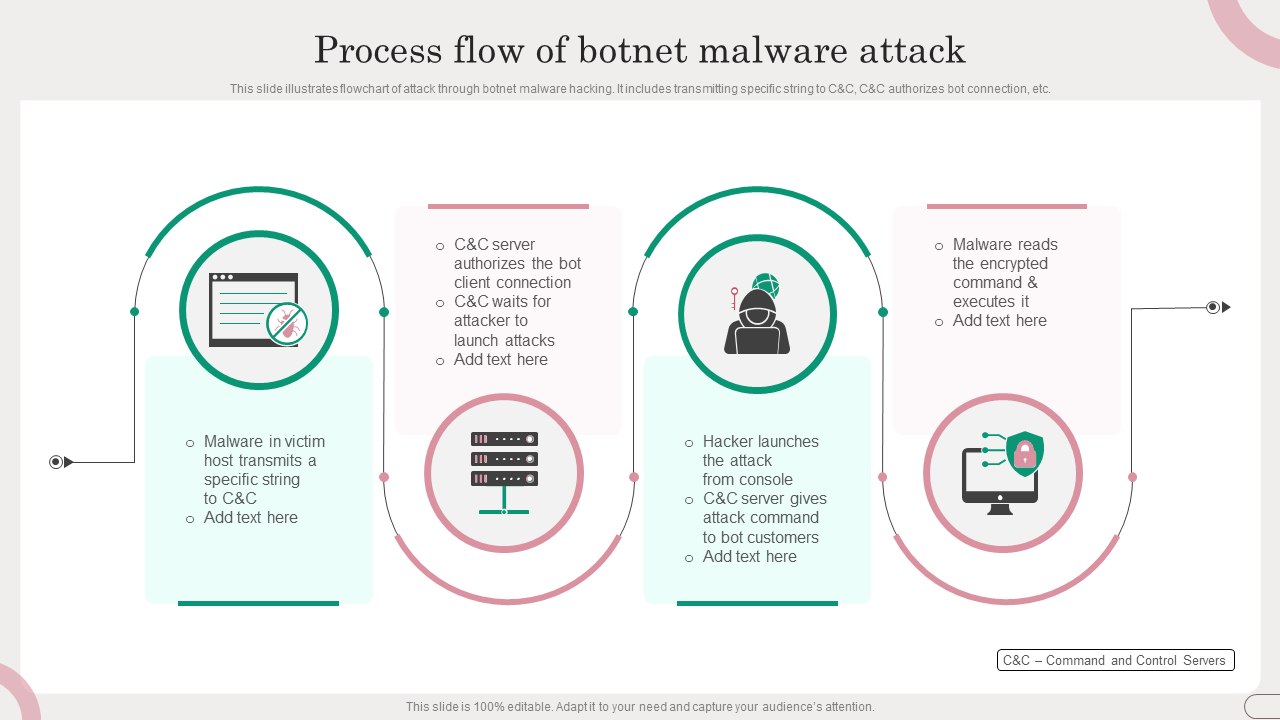
Malware, short for malicious software, is a type of software designed to harm, disrupt, or gain unauthorized access to devices and data. It can steal sensitive information, encrypt or delete files, spy on activities, or hijack system functions, causing significant harm to your device and data. Malware can enter your system through various means, including phishing attacks, infected software downloads, or exploited security vulnerabilities.
Identifying Malware and System Settings Vulnerabilities
Before we dive into blocking malware from accessing system settings, it's essential to understand the common signs of malware infection. These signs include:
- Slow system performance
- Pop-ups and unfamiliar messages
- System crashes or freezes
- Strange network activity
- Changed system settings
Preventing Malware Infection: Windows Defender and Firewall
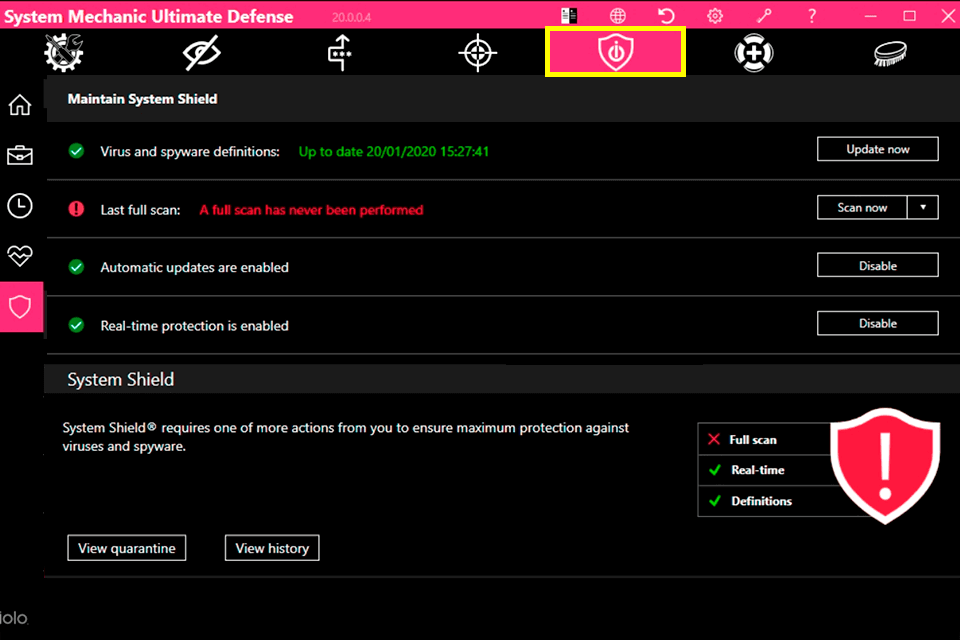
Windows Defender is a built-in security solution for Windows users, helping defend against various threats, including viruses, malware, and ransomware. Enabling Windows Defender and ensuring the Windows Firewall is active can greatly reduce the risk of malware infection. Additionally, Windows Defender provides various settings to enhance protection, including:
- Real-time protection against viruses and malware
- Behavioral monitoring for potential threats
- Protection against ransomware
- Automatic updates with the latest antivirus signatures
Blocking Malware from Accessing System Settings
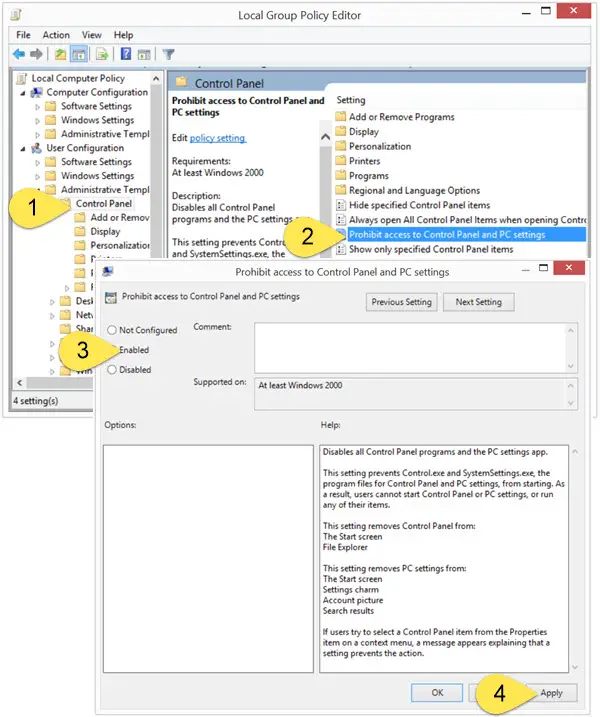
Malware may attempt to block access to system tools, such as the Control Panel, Task Manager, Registry Editor, and Command Prompt, by modifying the security policy settings of the operating system. To prevent this, you can:
- Disable the "Run" key to prevent malware from executing specific commands
- Use the Registry Editor to modify system settings
- Apply Group Policy settings to restrict access to system tools
Additional Security Measures
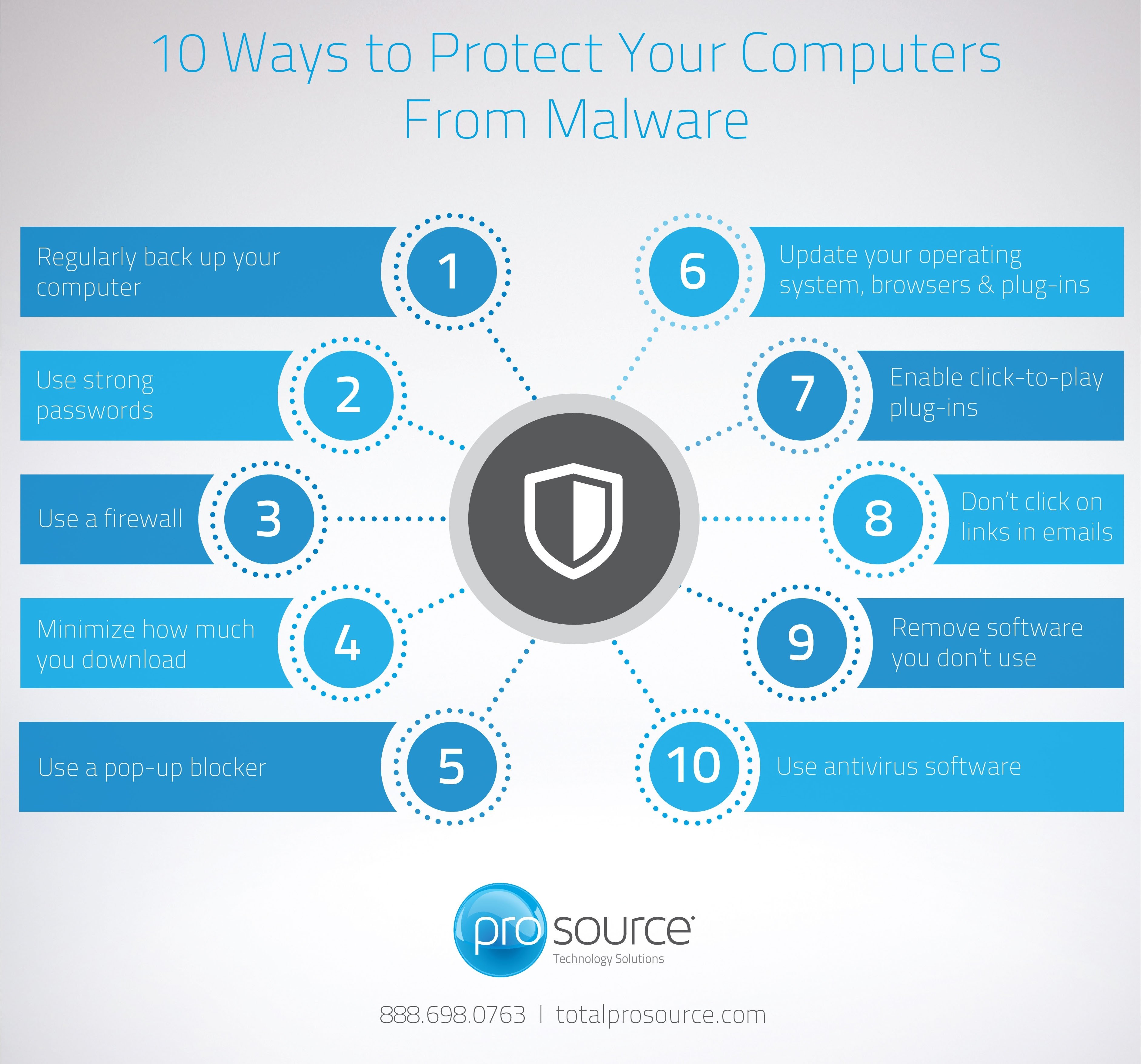
While preventing malware from accessing system settings is crucial, it's equally important to take additional security measures:
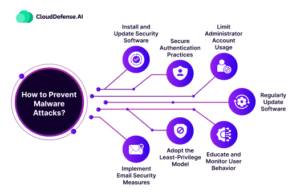
- Enable Windows Defender SmartScreen to block phishing sites and malware
- Configure automatic software updates to ensure your operating system and software are up to date
- Enable two-factor authentication and strong passwords to protect your accounts
- Regularly back up your data to prevent data loss in case of a malware attack
Conclusion
Protecting your system and data from malware requires a combination of security measures, including Windows Defender, firewall settings, and smart internet practices. By following the tips outlined in this article, you can significantly reduce the risk of malware infection and prevent unauthorized access to system settings. Remember to stay vigilant and regularly update your software and operating system to ensure you have the latest security patches and protections.
Key Takeaways
Malware is a significant threat to your device and data. To block malware from accessing system settings, use the following techniques:
- Enable Windows Defender and ensure the Windows Firewall is active
- Disable the "Run" key and use the Registry Editor to modify system settings
- Apply Group Policy settings to restrict access to system tools
- Enable Windows Defender SmartScreen and automatic software updates
- Configure two-factor authentication and strong passwords




![[KB721] An infiltration is blocking access to the Control Panel, Task ...](https://i.ytimg.com/vi/k_hm2nPX7uo/maxresdefault.jpg "[KB721] An infiltration is blocking access to the Control Panel, Task ...")