How to Create a YouTube Channel for Academic Lectures: A Step-by-Step Guide
Are you an educator looking to share your expertise with a wider audience? Or perhaps you're a student seeking to supplement your learning with engaging video content? Look no further than creating a YouTube channel for academic lectures. With over 500 million views of learning-related content on YouTube every day, creating a channel can help you reach a global audience and enhance your teaching practice.
Step 1: Identify Your Target Audience
Before creating your channel, it's essential to understand who your target audience is. Who are you trying to reach? Are you targeting students, fellow educators, or the general public? Understanding your audience will help you create content that resonates with them and meets their needs.
Step 2: Plan Your Content
Creating engaging academic lectures requires thoughtful planning. Consider the following:
- Define your content goals: What do you want to achieve with your lectures?
- Choose relevant topics: What topics will you cover in your lectures?
- Develop a content calendar: Schedule your lectures in advance to ensure consistency.
- Consider the length and format: Will your lectures be short and to the point, or longer and more in-depth?
Step 3: Set Up Your Channel
To create a successful YouTube channel, you'll need to set up your channel correctly. Here's what you need to do:
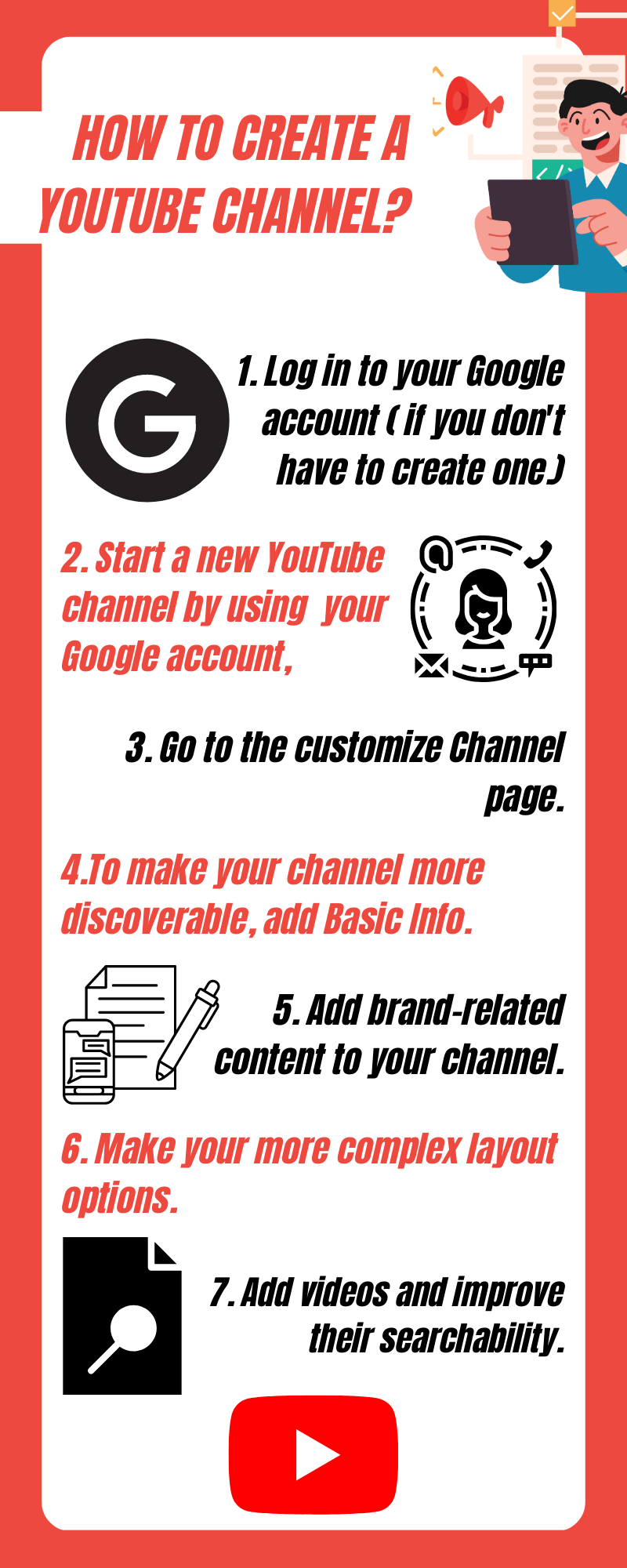
- Sign in to YouTube and create a new channel.
- Choose a username and brand your channel with a logo and banner.
- Complete your channel's profile, including a bio and contact information.
Step 4: Record and Edit Your Lectures
Now it's time to record and edit your lectures. Here are some tips to keep in mind:
- Use high-quality recording equipment: Invest in a good camera and microphone to ensure your lectures are clear and concise.
- Practice your delivery: Record a dry run of your lecture to ensure you're comfortable with the content and delivery.
Step 5: Optimize Your Videos for YouTube
To ensure your lectures reach a wider audience, you'll need to optimize them for YouTube. Here's how:
- Use relevant keywords: Incorporate keywords related to your lecture's topic to improve visibility in search results.
- Write an engaging title and description: Craft a title and description that accurately convey the content of your lecture.
- Use eye-catching thumbnails: Create a thumbnail that grabs the viewer's attention and encourages them to click.
Step 6: Promote Your Channel
Once you've created and optimized your lectures, it's time to promote your channel. Here are some strategies to help you do so:
- Share your lectures on social media: Share links to your lectures on Twitter, Facebook, and other social media platforms.
- Engage with your audience: Respond to comments and questions to build a community around your channel.
- Collaborate with other educators: Partner with fellow educators to create content, promote each other's channels, and build a network of like-minded professionals.
Conclusion
Creating a YouTube channel for academic lectures can help you share your expertise with a global audience, enhance your teaching practice, and build a community of learners. By following these steps, you can create a successful channel that reaches and engages your target audience.
Remember, creating a successful YouTube channel takes time, effort, and dedication. Stay up-to-date with the latest trends and best practices, and don't be afraid to experiment and try new things. With persistence and creativity, you can build a channel that makes a real impact on the lives of your students and audience members.