Router Scanning and Configuration: A Comprehensive Guide
In today's digital age, routers play a critical role in connecting our devices to the internet. However, with the increasing number of connected devices and the growing threat of cyber threats, router scanning and configuration have become essential tasks for network administrators and home users alike.
Why Router Scanning and Configuration are Important
Router scanning and configuration involve identifying and verifying the devices on a network, as well as setting up the router's configuration to ensure optimal performance and security. This process is crucial for several reasons:
- To identify and fix network connectivity issues
- To secure the network from potential threats
- To optimize router performance and ensure smooth internet connectivity
- To troubleshoot network problems and identify potential issues
Router Scanning Tools
There are several tools available for scanning routers, including:
- Nmap (Network Mapper): A powerful and widely used network scanning tool that can identify routers and other devices on a network
- Fing Network Scanner: A free and user-friendly tool for scanning and identifying devices on a network
- Advanced IP Scanner: A tool that shows all network devices, gives access to shared folders, and can remotely switch computers off
Router Configuration
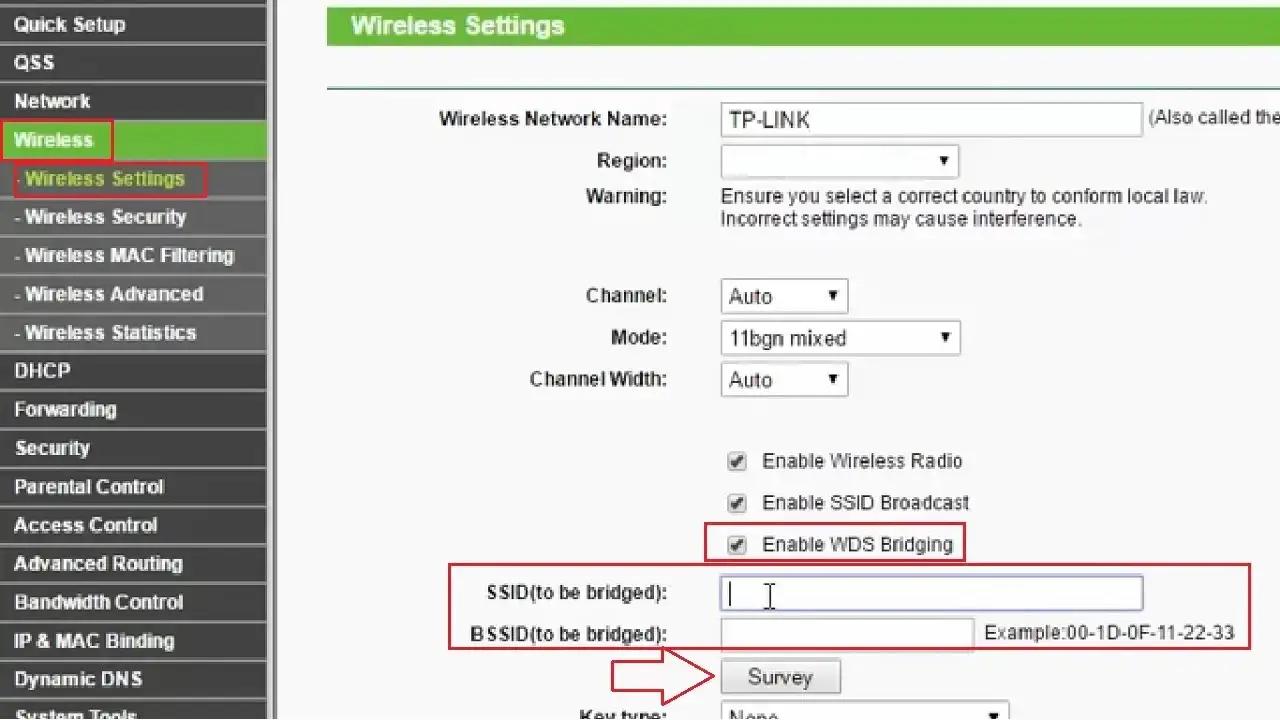
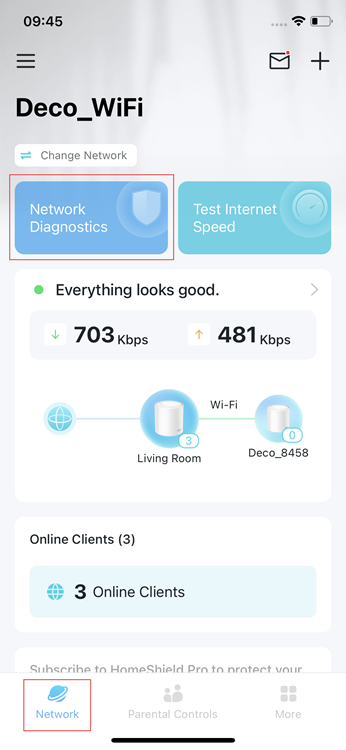
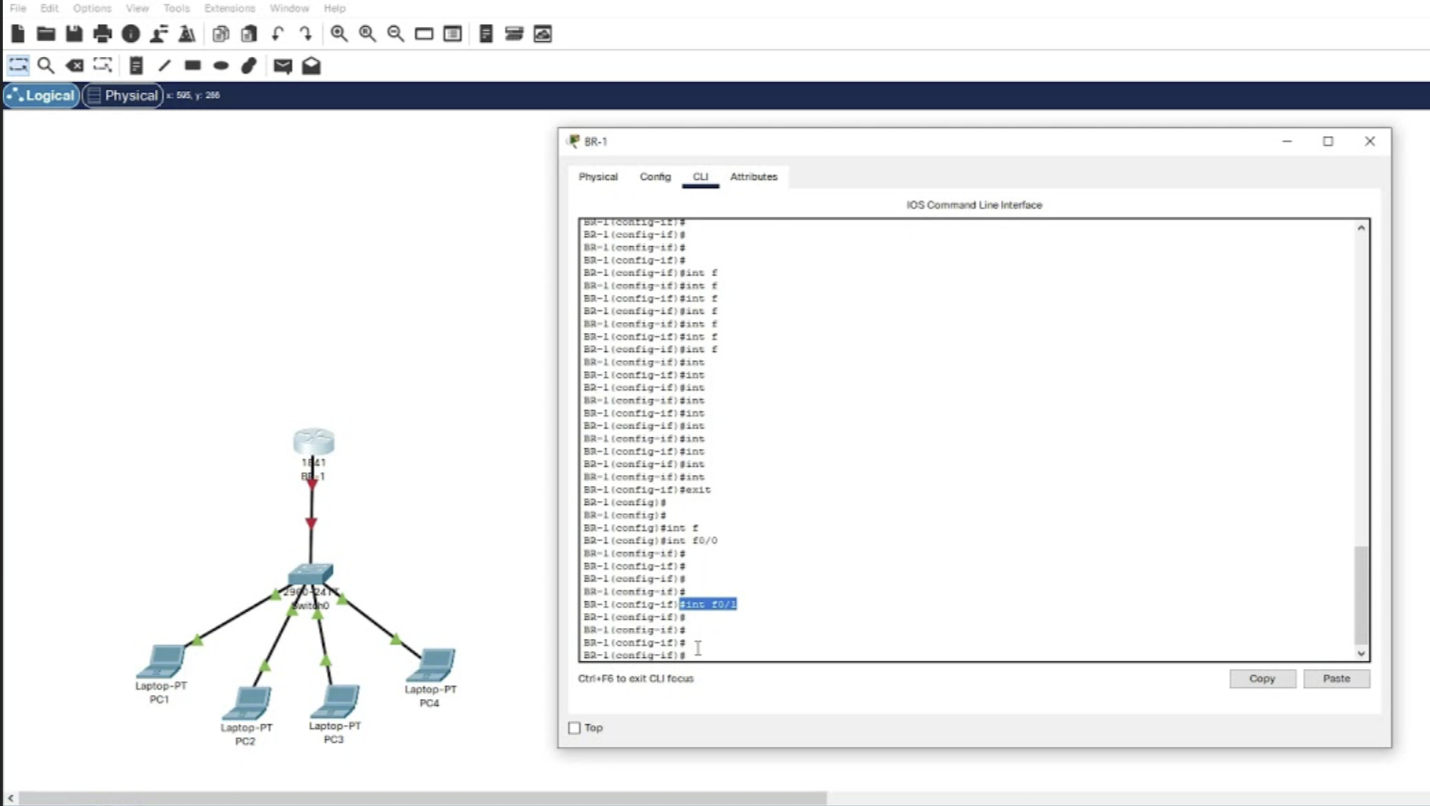
Configuring a router involves setting up the router's settings to ensure optimal performance and security. This includes:
- Setting up Wi-Fi security settings, such as encryption and password protection li>Configuring parental controls and Internet connection time limits
- Setting up Quality of Service (QoS) settings to prioritize traffic
- Configuring the router's firmware to ensure it is up-to-date and secure
Best Practices for Router Scanning and Configuration

To ensure optimal router performance and security, follow these best practices:
- Regularly scan your network for devices and potential threats
- Keep your router's firmware up-to-date and secure
- Configure your router's settings to prioritize traffic and ensure optimal performance
- Use strong Wi-Fi passwords and enable encryption to secure your network
- Regularly review and update your router's configuration to ensure it is optimal and secure
Conclusion
In conclusion, router scanning and configuration are essential tasks for network administrators and home users alike. By identifying and verifying devices on a network, setting up the router's configuration to ensure optimal performance and security, and following best practices, you can ensure a smooth and secure internet experience. Remember to regularly scan your network, keep your router's firmware up-to-date, and configure your router's settings to prioritize traffic and ensure optimal performance.
Resources
For more information on router scanning and configuration, check out the following resources:
- Nmap (Network Mapper)
- Fing Network Scanner
- Advanced IP Scanner
- RouterScan by Stas'M
Additional Tips
Here are some additional tips for router scanning and configuration:
- Use a reliable network scanning tool to identify devices on your network
- Keep your router's firmware up-to-date to ensure optimal performance and security
- Configure your router's settings to prioritize traffic and ensure optimal performance
- Use strong Wi-Fi passwords and enable encryption to secure your network
- Regularly review and update your router's configuration to ensure it is optimal and secure