Understanding Hard Drive Failure Symptoms
Are you experiencing issues with your laptop hard drive? Don't wait for a crash to occur. Learning the warning signs of a failing hard drive can help you save your data before it's too late. A laptop hard drive is a crucial component that stores your valuable files, memories, and important data. However, like any other mechanical device, it can fail, resulting in data loss, system crashes, and frustration. But how do you know if a hard drive has failed? In this article, we'll explore the signs, symptoms, and solutions to help you diagnose and recover from a hard drive failure.Common Hard Drive Failure Symptoms
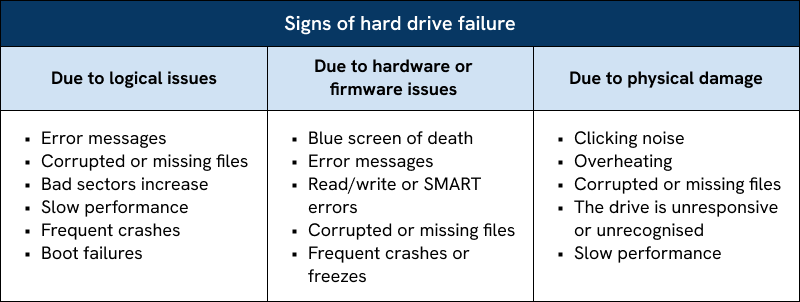
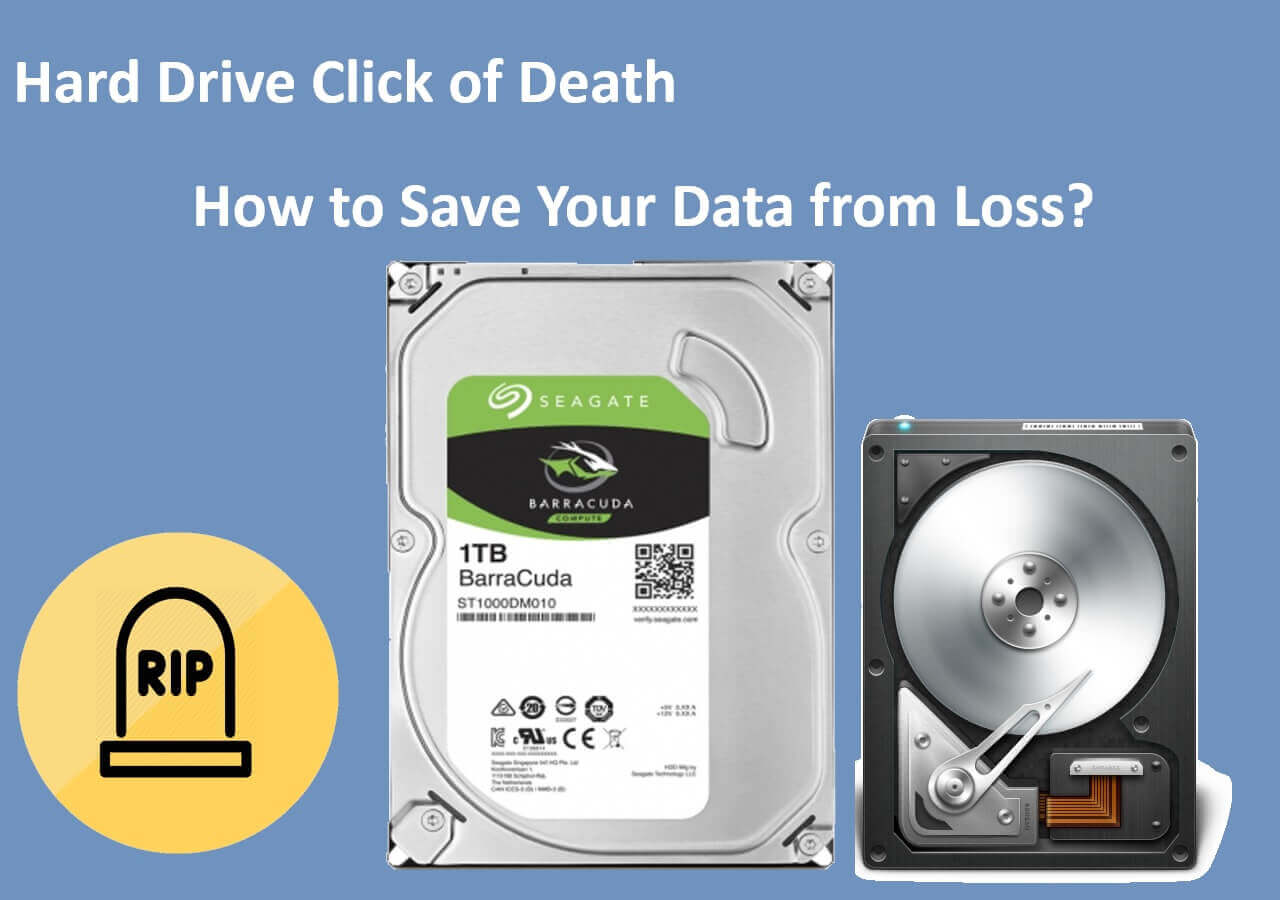
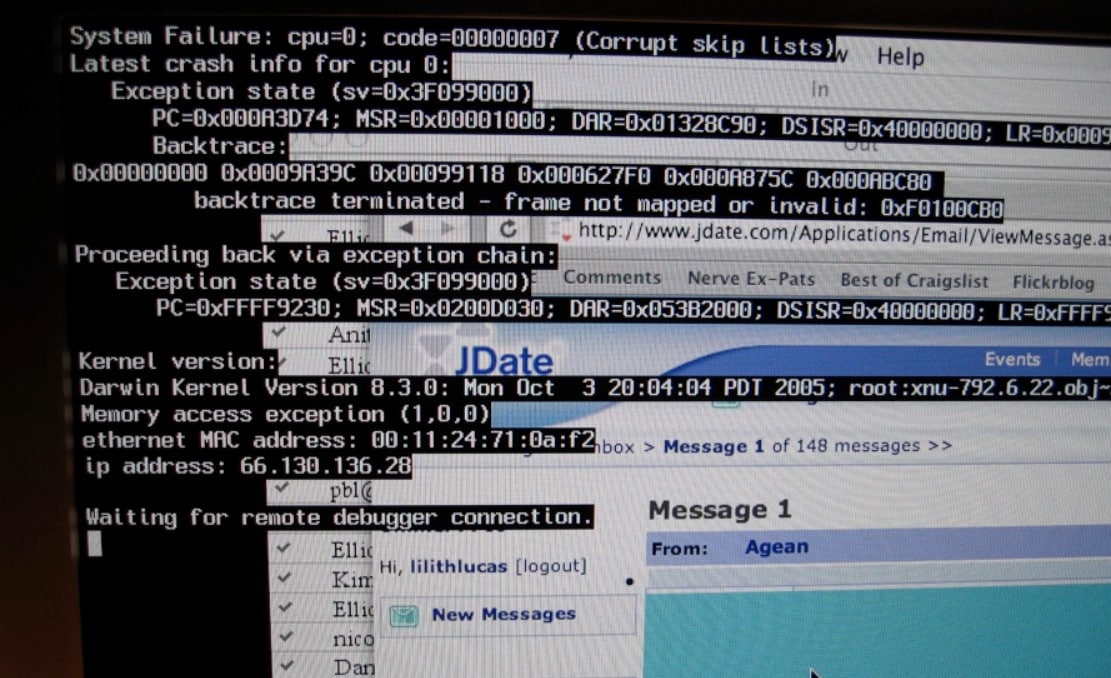
1. Slow Performance - One of the earliest symptoms of a failing hard drive is slow performance. This lag occurs when you're trying to turn on your computer, open files, perform actions, or save documents. 2. Random Freezes or Crashes - If your computer crashes frequently, freezes, or experiences the "Blue Screen of Death" (BSOD) without warning, it could be a sign of hard drive failure. A failing drive struggles to access or write data, causing system instability. 3. Failure to Recognize the Hard Drive - Your computer stops recognizing your drive. This may seem obvious, but if your computer no longer recognizes your hard drive, chances are there's a problem with it, not the computer. 4. Strange Noises - Physical trauma, such as a dropped laptop or external hard drive, can cause the failure of hard drive components. If your hard drive is making unusual noises, like clicking or grinding, it may be a sign of mechanical or head problems. 5. Data Loss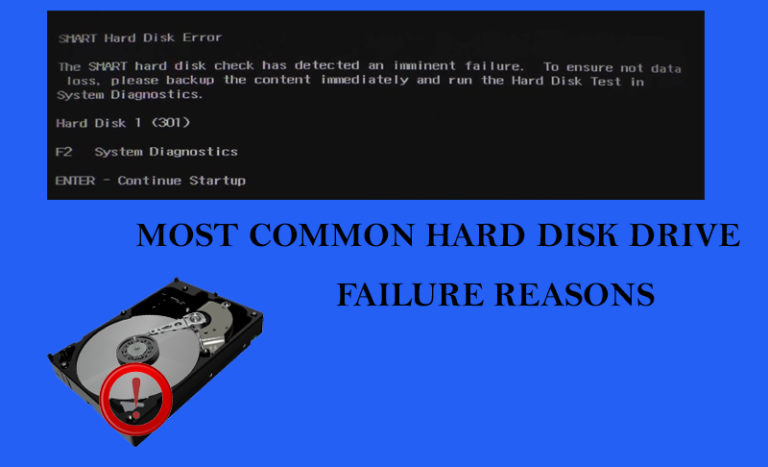
Causes of Hard Drive Failure
Hard drive failure can occur for a variety of reasons, including: *- Physical Trauma - Dropping your laptop or external hard drive can cause internal components to fail.
- Power Outage or Electrical Surge - A sudden power loss or electrical surge can fry your hard drive.
- Natural Disasters - Floods, fires, or other natural disasters can damage your hard drive.
- Logical Failure - Corruption of data or firmware can lead to logical failure.