Setting Up a GoFundMe Page for Personal Emergencies: A Step-by-Step Guide
In the face of unexpected personal emergencies, having a support system in place can be a lifesaver. GoFundMe is a popular crowdfunding platform that allows individuals to raise money for various causes, including personal emergencies. In this article, we'll walk you through the process of setting up a GoFundMe page for personal emergencies, providing you with the necessary tools to raise funds easily and effectively.
Why Choose GoFundMe for Personal Emergencies?
GoFundMe is a leading crowdfunding platform trusted by millions to start fundraisers quickly and easily. With its user-friendly interface and extensive features, GoFundMe makes it simple to set up a page for personal emergencies, connect with donors, and drive results. Whether you need help with unexpected medical bills, want to raise funds for a community project, or are chasing a personal dream, GoFundMe offers a comprehensive solution to help you achieve your goals.
Setting Up a GoFundMe Page for Personal Emergencies: Step-by-Step
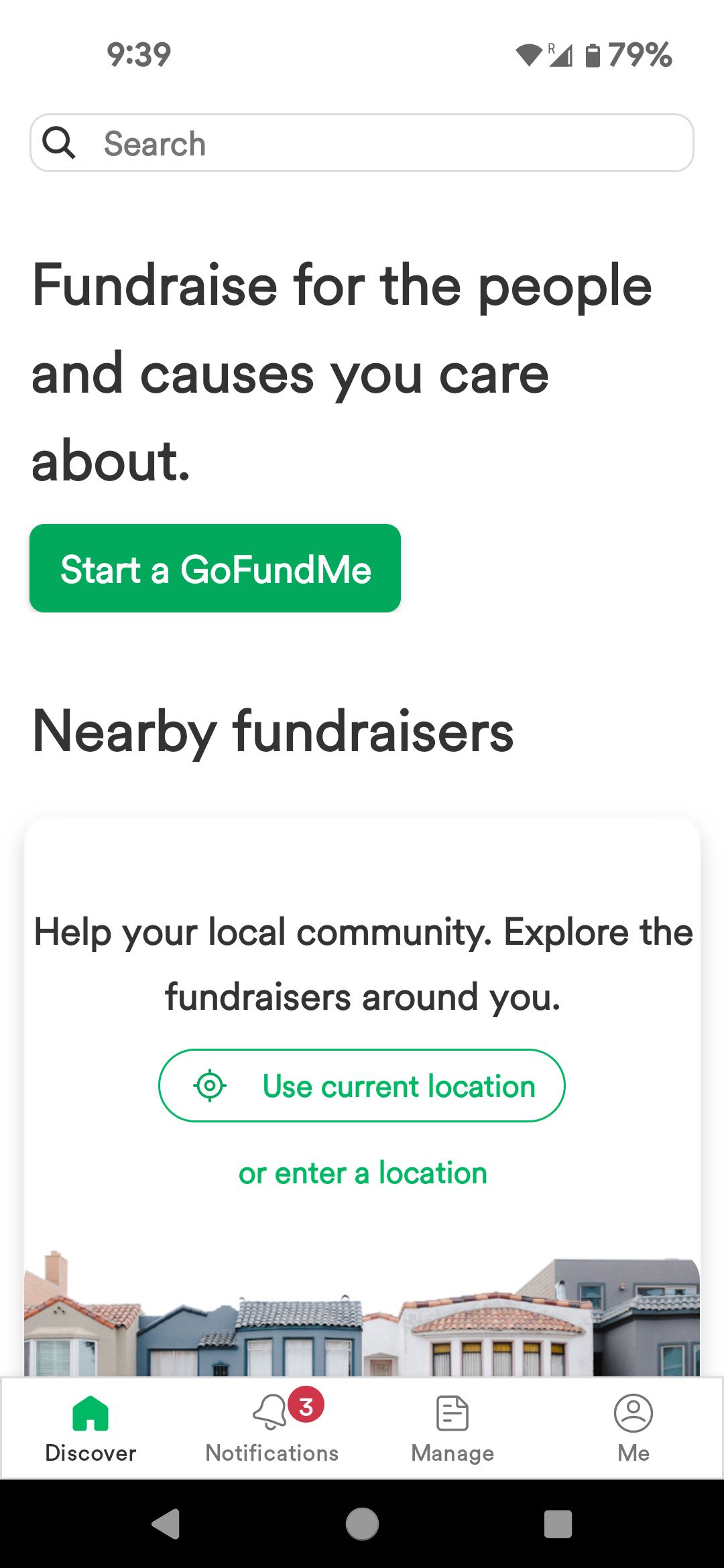
- Create or sign in to a GoFundMe account: If you're new to GoFundMe, register for an account. If you already have an account, simply sign in.
- Select the fundraiser type, location, and beneficiary: Choose the type of fundraiser you're setting up (in this case, a personal emergency), specify the location, and select the beneficiary (yourself or a loved one).
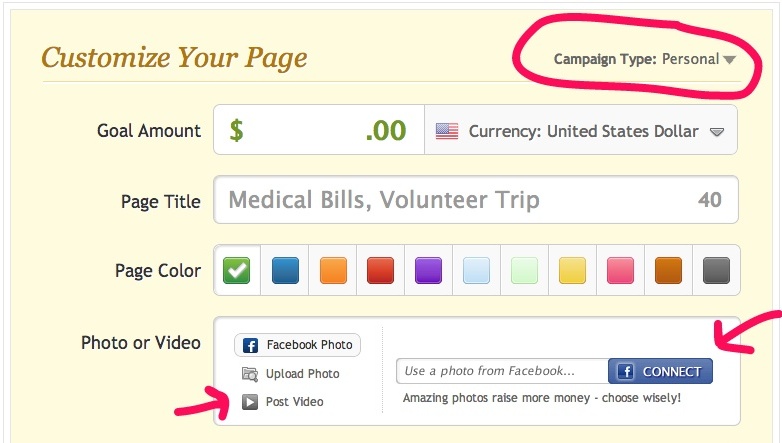
- Set a goal: Determine the amount of money you want to raise and set a realistic goal.
- Add a cover photo or video: Include a relevant image or video that showcases your story and helps engage donors.
- Write a concise, compelling title and story: Craft a clear and compelling title and story that informs donors about your emergency situation and how their contributions will help.
- Complete and publish the fundraiser: Review your page, ensure everything is in order, and click "Publish" to make your page live.
Customizing Your GoFundMe Page for Personal Emergencies
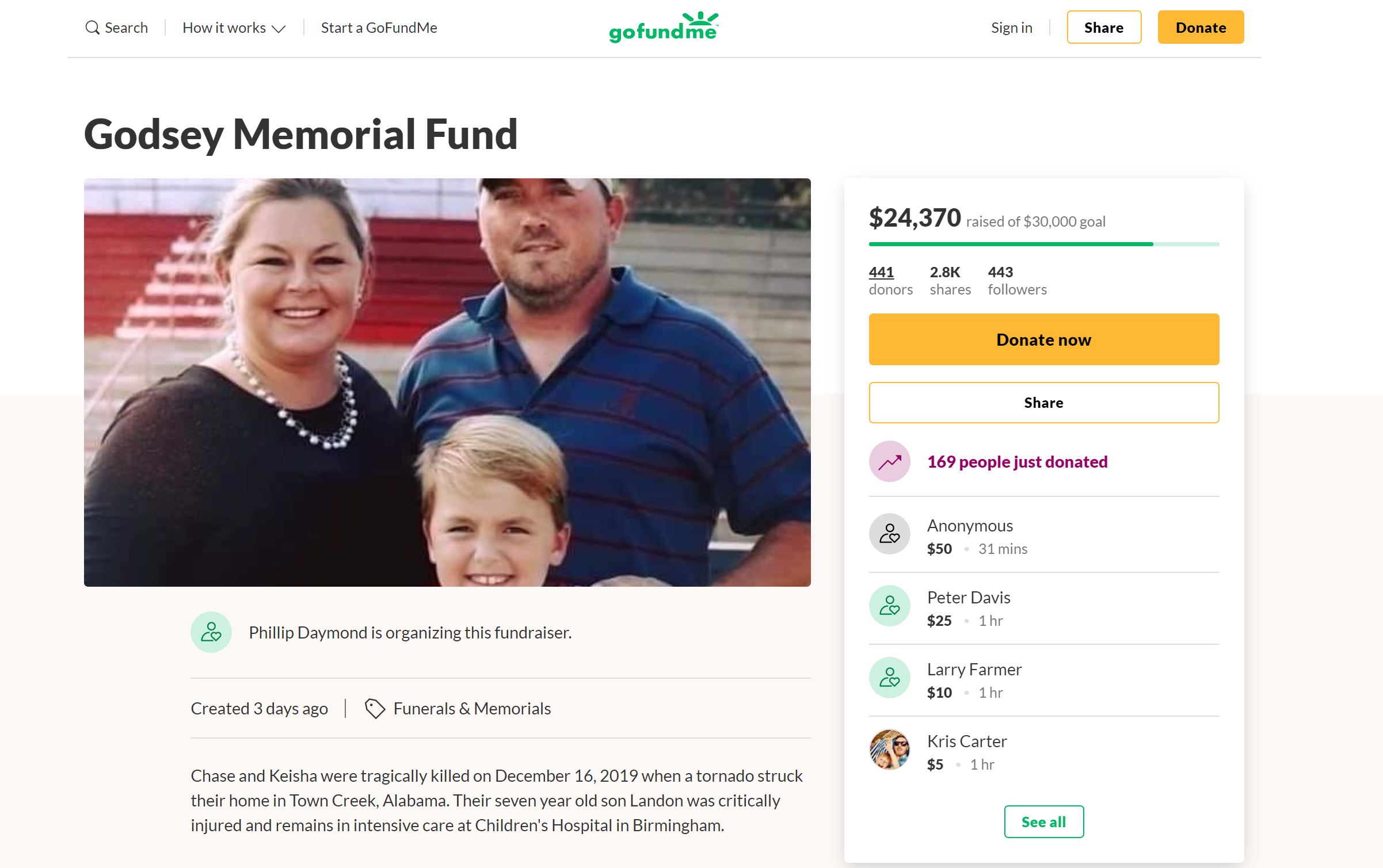
Once you've set up your page, focus on making it visually appealing and engaging. Use a clear and compelling title, add relevant photos or videos, and craft a compelling story that showcases your emergency situation. Make sure to include any necessary details, such as the amount of money you need to raise and how donations will be used.
Promoting Your GoFundMe Page for Personal Emergencies
To increase your chances of success, promote your page effectively. Share it on social media platforms, email it to friends and family, and create a viral campaign to reach a broader audience. Use relevant hashtags, create eye-catching graphics, and leverage your personal network to help spread the word.
Managing Donations and Withdrawals on GoFundMe
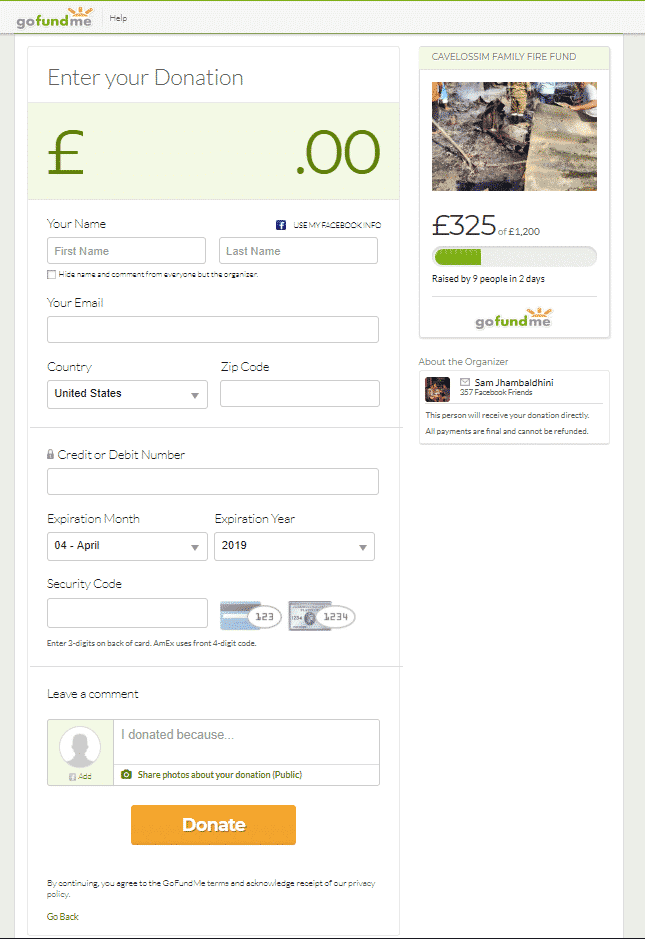
Once your page is live, manage donations and withdrawals efficiently. Set up bank transfers to receive funds quickly and securely. Make sure to keep your account information up to date and follow GoFundMe's guidelines for withdrawing funds.
Conclusion
Setting up a GoFundMe page for personal emergencies is a straightforward process that requires minimal effort and expertise. By following these steps, you'll be able to create a compelling page that showcases your story, connects with donors, and drives results. Remember to customize your page to make it visually appealing, promote it effectively, and manage donations and withdrawals efficiently. With GoFundMe, you can count on a trusted platform to help you raise money for personal emergencies and make a meaningful impact.
Additional Tips and Resources
For more information on setting up a GoFundMe page for personal emergencies, visit the GoFundMe website or consult the following resources:
Get Started with GoFundMe Today
Whether you're facing a personal emergency or want to support someone in need, GoFundMe is a trusted platform to help you achieve your financial goals. Start your fundraising journey today by setting up a GoFundMe page for personal emergencies and making a meaningful impact in your community.