Ways to Remove Online Footprints: A Guide to Taking Control of Your Digital Presence
With the increasing importance of online presence, it's becoming increasingly difficult to remove our digital footprints completely. However, with the help of the internet and various tools, there are ways to minimize and control our online presence for maximum privacy. In this article, we'll explore the various ways to remove online footprints and take control of our digital lives.
Understanding Digital Footprints
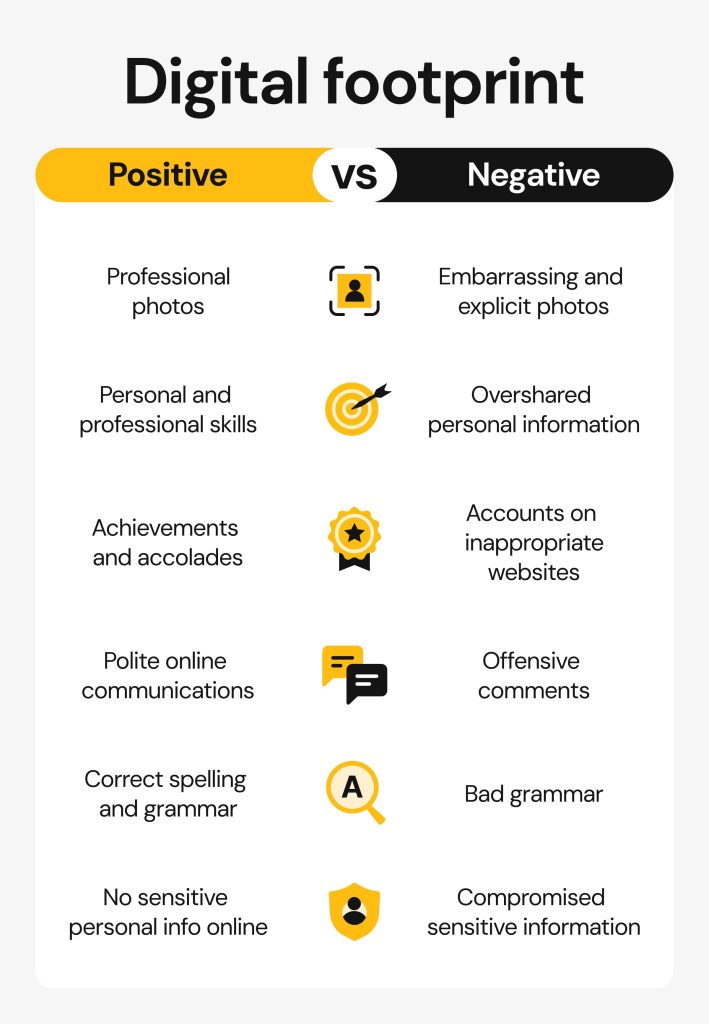
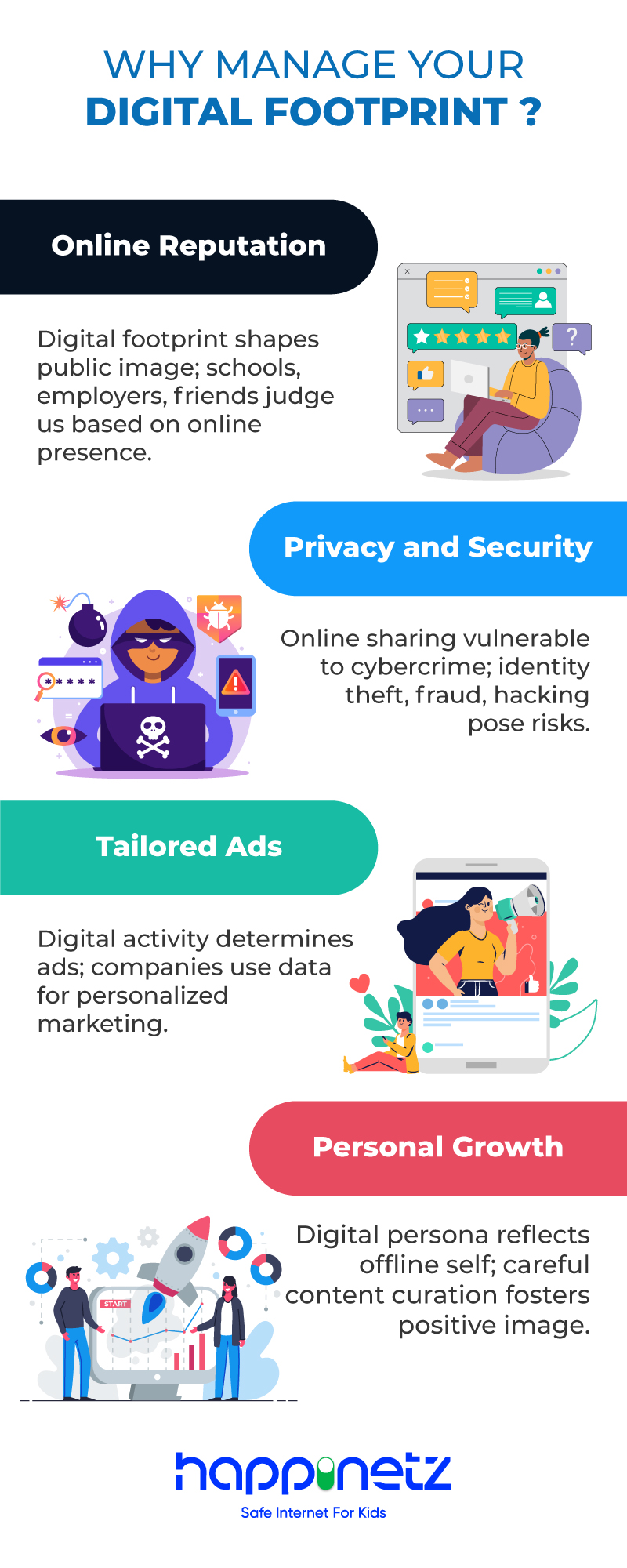
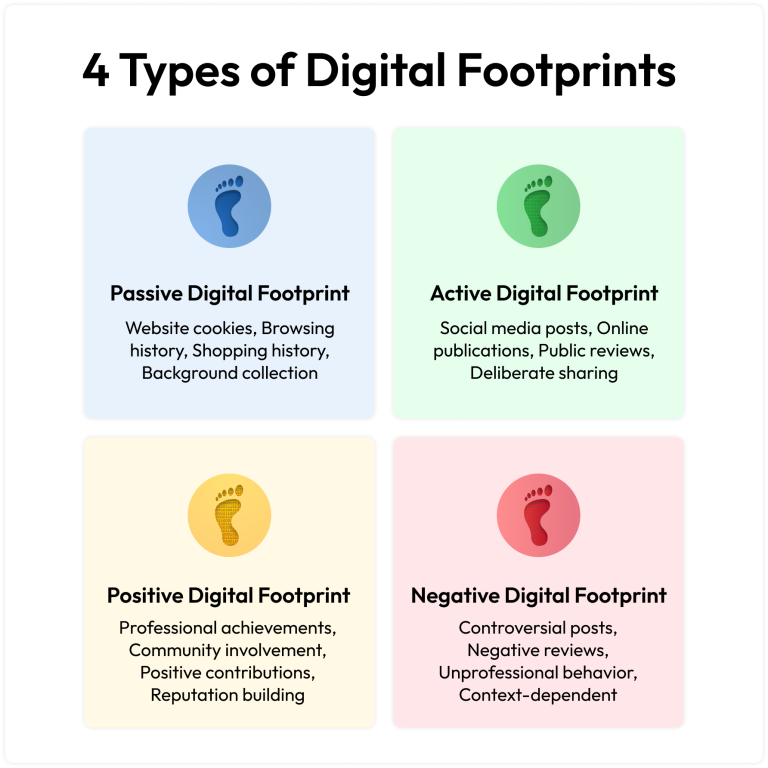
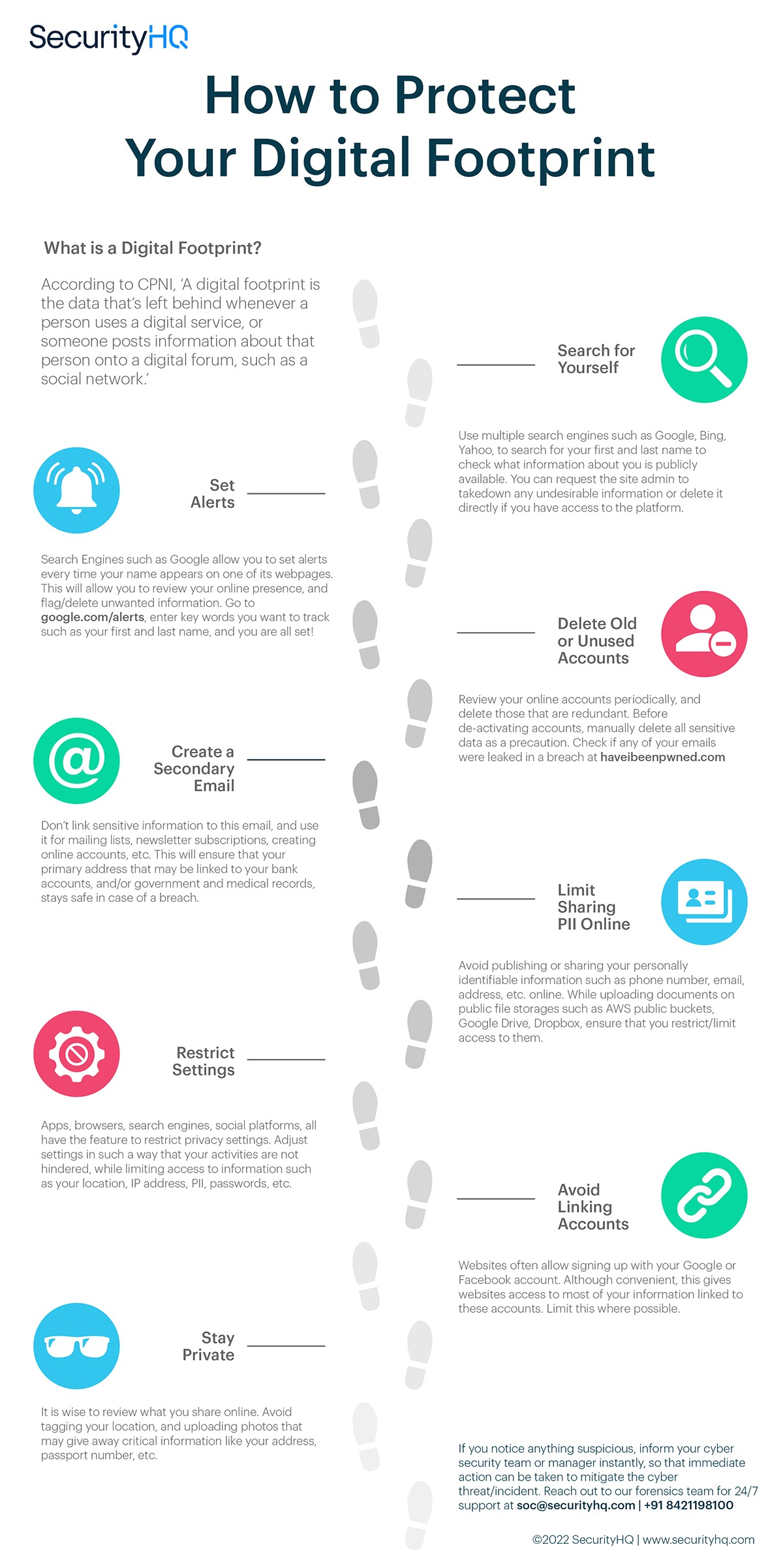
A digital footprint refers to the trail of information left behind by an individual while interacting online. This includes social media posts, browsing history, search queries, and online purchases, among other things. The larger the digital footprint, the more information is available about an individual, which can be a concern for privacy and security.
Limit What You Share on Social Media
One of the primary ways to reduce your digital footprint is to limit what you share on social media. The more information you share, the easier it is for attackers to piece together sensitive information about you. Be cautious about what you post, and avoid sharing personal details such as your address, phone number, or financial information.
Opt Out of People-Search Sites
People-search sites, such as Whitepages or Pipl, collect and sell information about individuals, making it easier for attackers to find sensitive information about you. You can opt out of these sites by visiting their websites and following the opt-out instructions.
Remove Personal Data from Data Brokers
Data brokers collect and sell information about individuals, including online behavior, purchase history, and demographic data. You can remove your personal data from these brokers by visiting their websites and following the removal instructions.
Delete Browsing History and Cookies
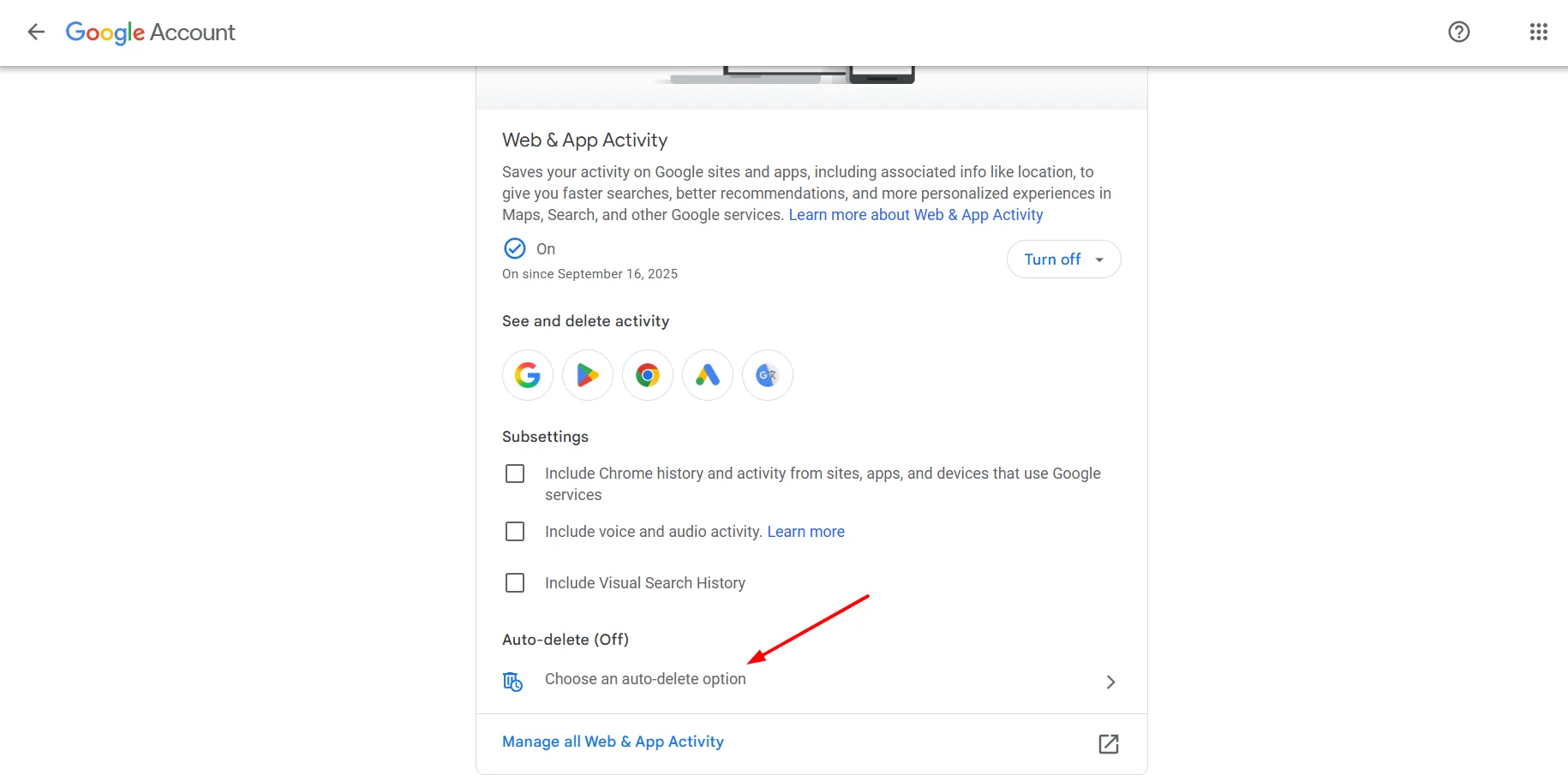
Regularly deleting your browsing history and cookies can help minimize your digital footprint. You can do this by using a browser extension or following the instructions provided by your browser.
Remove Information Published by Third Parties
Information published by third parties, such as social media posts or online reviews, can also contribute to your digital footprint. Be cautious about what you share, and remove any information that you no longer want to be associated with.
Use a Private Search Engine
Google search is one of the primary sources of online footprints. Using a private search engine, such as DuckDuckGo or StartPage, can help minimize your online presence. These search engines do not collect or store your search queries, unlike Google, which saves your search history for personalized results.
Check Data Brokers and People-Search Sites
Regularly check data brokers and people-search sites to ensure that your personal information is not available. You can do this by visiting the websites of these providers and searching for your name or other identifying information.
Ask Credit Agencies to Scrub Your Information
Credit agencies collect and store information about individuals, including credit history and other financial information. You can ask credit agencies to scrub all information about you more than 5 years old to minimize your digital footprint.
Remove Your Information from Public Directories
Public directories, such as those provided by the US government, can also contain sensitive information about individuals. You can request that your information be removed from these directories by following the instructions provided.
Disrupt Location Data Collection
Location data collection can contribute to your digital footprint. You can disrupt location data collection by using a VPN, regularly clearing your browsing history, or disabling location services on your device.
Use Encryption to Secure Your Data
Encryption can help secure your data and minimize your digital footprint. You can use encryption to secure your emails, browsing history, or other sensitive information by using a VPN or encrypting your data before uploading it online.