Router Configuration Setup: A Comprehensive Guide for Beginners
Setting up a new router can be a daunting task, especially for those who are new to networking. However, with the right guidance, configuring your router settings can be a breeze. In this article, we will take you through a step-by-step guide on how to setup and configure your router for optimal performance and security.
Understanding the Importance of Router Configuration
Before we dive into the setup process, let's first understand the importance of router configuration. Your router is the backbone of your home network, and proper configuration is crucial to ensure a smooth and secure internet experience. By configuring your router, you can access and change your Wi-Fi settings, including the network name, password, and security settings.
Step 1: Unboxing and Physical Installation
Begin by unpacking your new router and placing it in a safe and accessible location. Make sure it is installed in a temperature-controlled area and is away from any obstacles.
Connecting the Router to the Modem
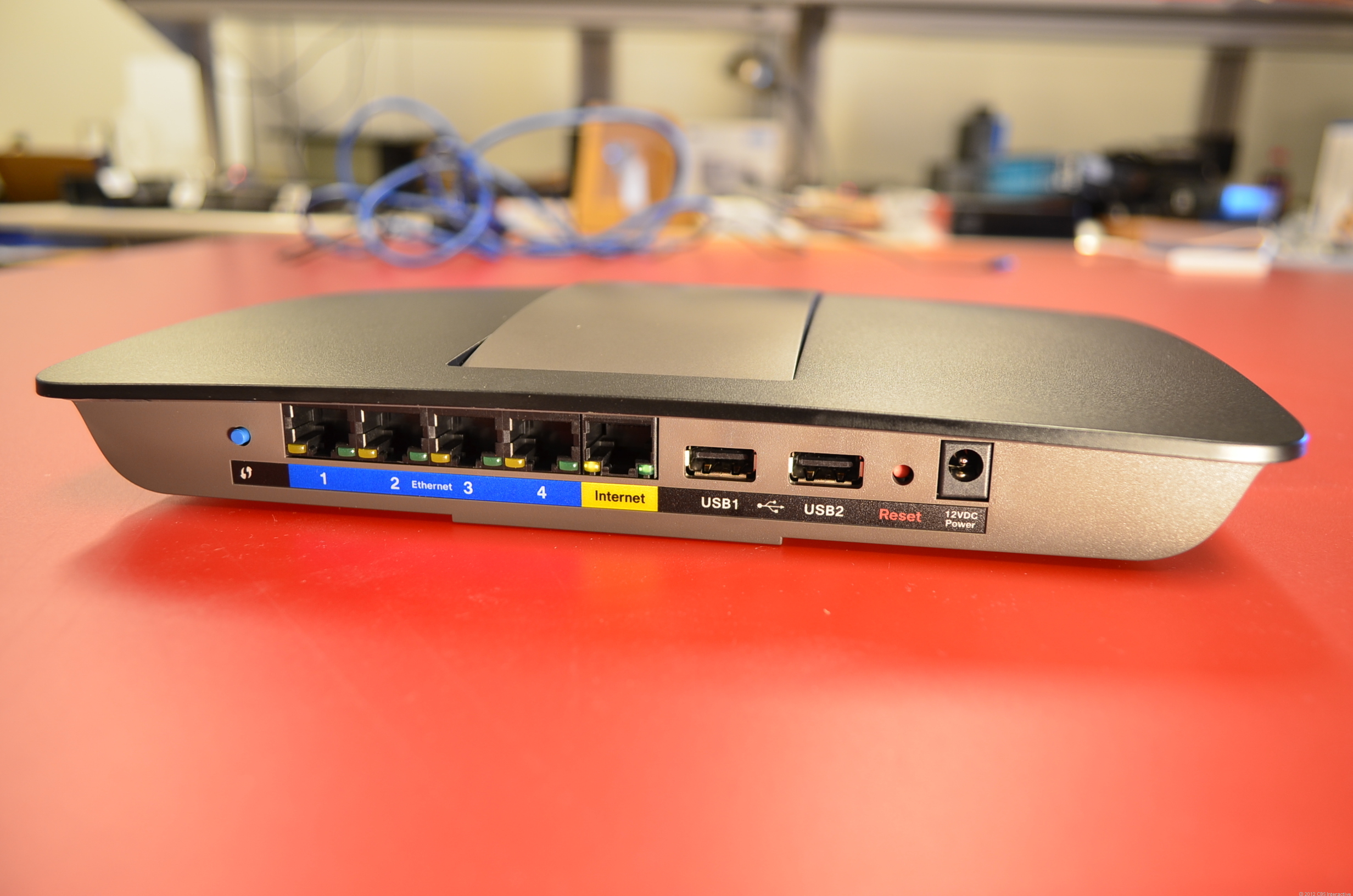
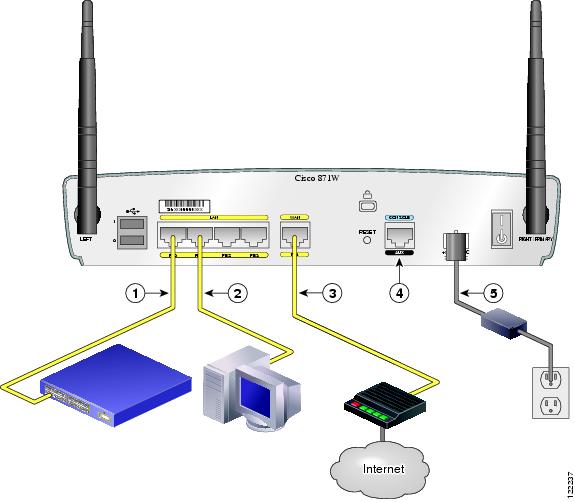
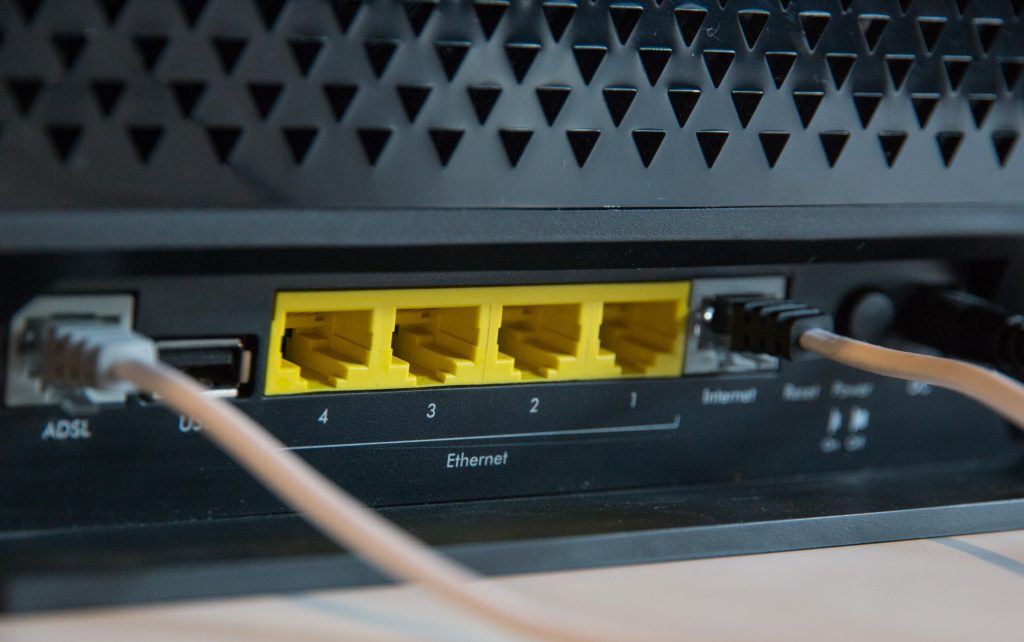
- Connect the router to the modem using an Ethernet cable. Make sure the cable is securely plugged into both devices.
Step 2: Accessing the Router's Admin Panel
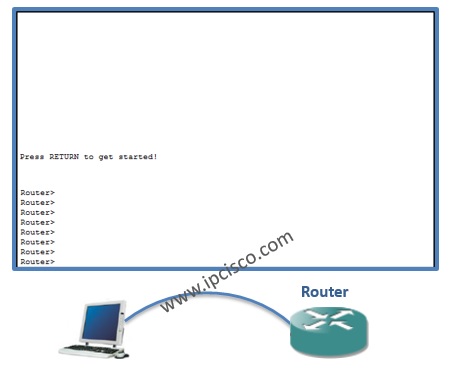
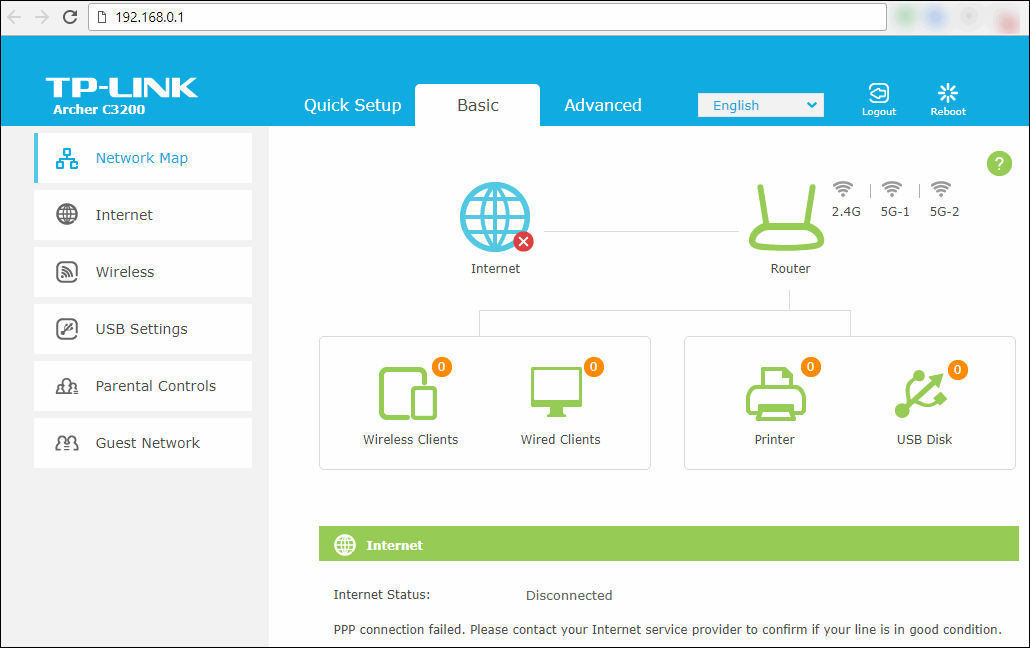
Once you have physically installed the router, it's time to access its admin panel. This is where you'll configure the router settings. The process for accessing the admin panel varies depending on the device, but you can usually find it by typing the router's IP address (usually 192.168.0.1 or 192.168.1.1) into a web browser.
Resetting the Router to Factory Defaults
- If you're having trouble accessing the admin panel, you may need to reset the router to its factory defaults. This will erase all custom settings, so make sure to write down the current settings before proceeding.
Step 3: Configuring Basic Settings
Once you have accessed the admin panel, it's time to configure the basic settings. This includes:
Changing the Network Name (SSID)
- Change the default network name to something more secure and descriptive.
Setting the Password
- Set a strong and unique password to secure your Wi-Fi network.

Step 4: Configuring Advanced Settings
Once you have configured the basic settings, it's time to move on to the advanced settings. This includes:
Setting Up Wireless Settings
- Configure the wireless settings, including the channel width, channel number, and wireless standard.
Setting Up Security Settings
- Set up the security settings, including WPA2 encryption, WEP encryption, and MAC address filtering.
Step 5: Securing Your Router
Securing your router is crucial to prevent unauthorized access to your network. Here are a few ways to secure your router settings:
Using a Secure Password
- Make sure to use a strong and unique password for your router admin panel.
Enabling WPA2 Encryption
- Enable WPA2 encryption to secure your Wi-Fi network.
Setting Up MAC Address Filtering
- Set up MAC address filtering to restrict access to your network based on the device's MAC address.
Conclusion
Router configuration is a crucial step in setting up a home network. By following these steps, you can ensure a smooth and secure internet experience. Remember to always use a strong and unique password, enable WPA2 encryption, and set up MAC address filtering to secure your router settings. With these tips, you'll be well on your way to a worry-free and reliable home network.





![[Wireless Router] How do I enter my ASUS router's setting page using ...](https://www.learnabhi.com/wp-content/uploads/2018/06/router-on-a-stick-2-min.jpg "[Wireless Router] How do I enter my ASUS router's setting page using ...")