How to Use Google Home with Google Fit: A Comprehensive Guide
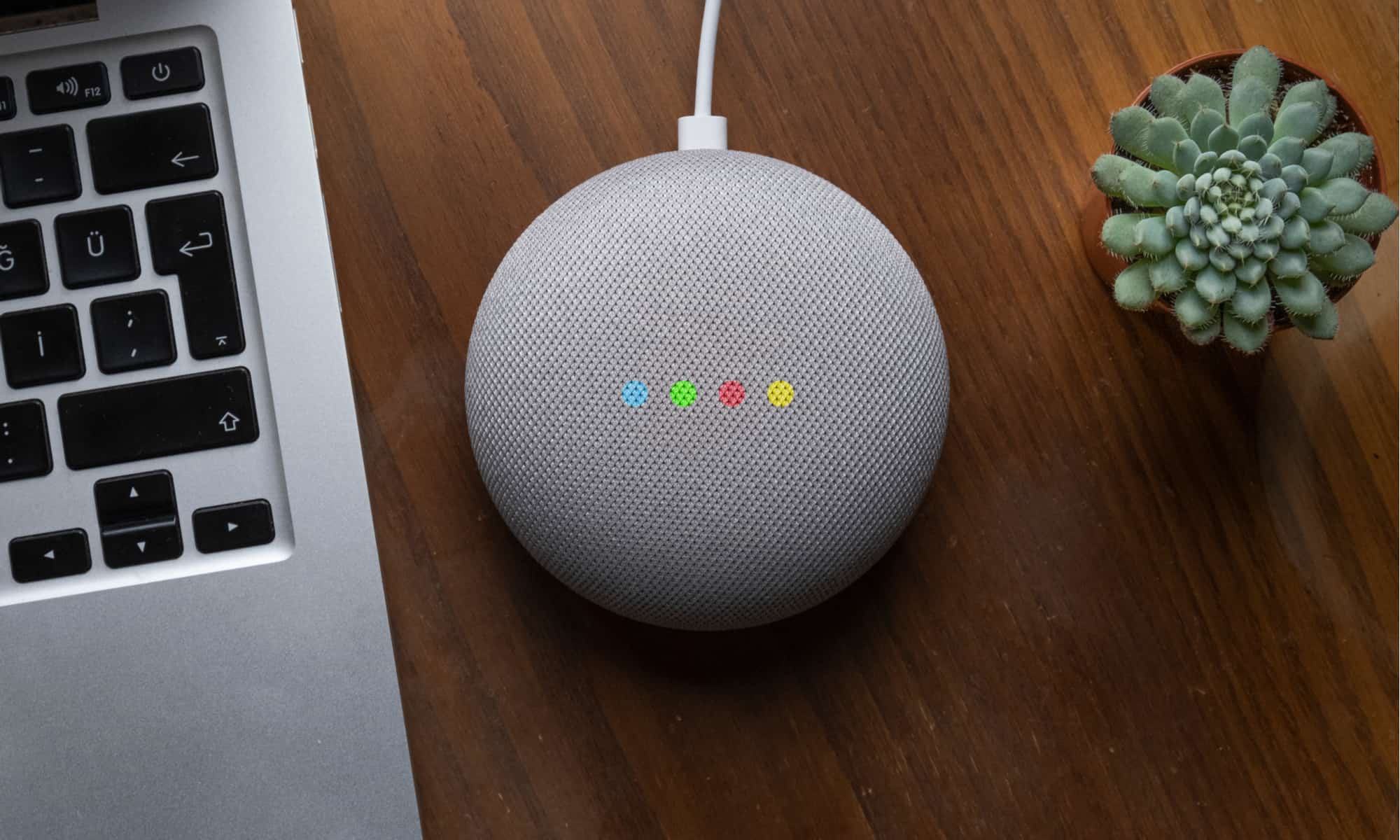
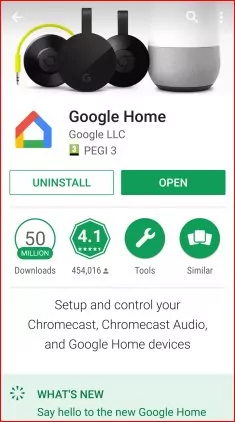
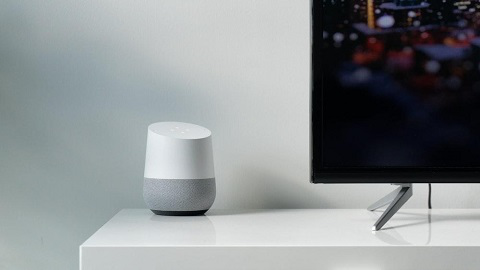
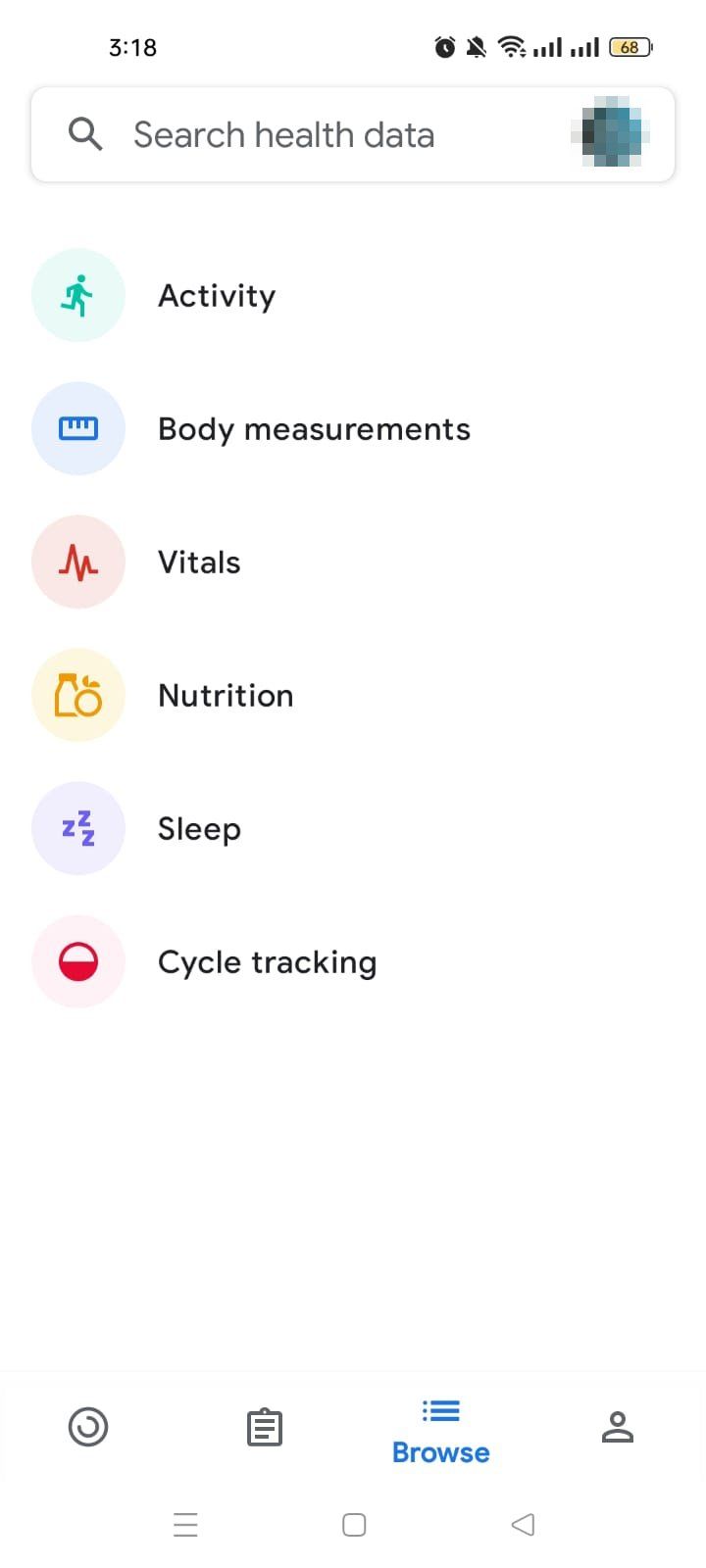
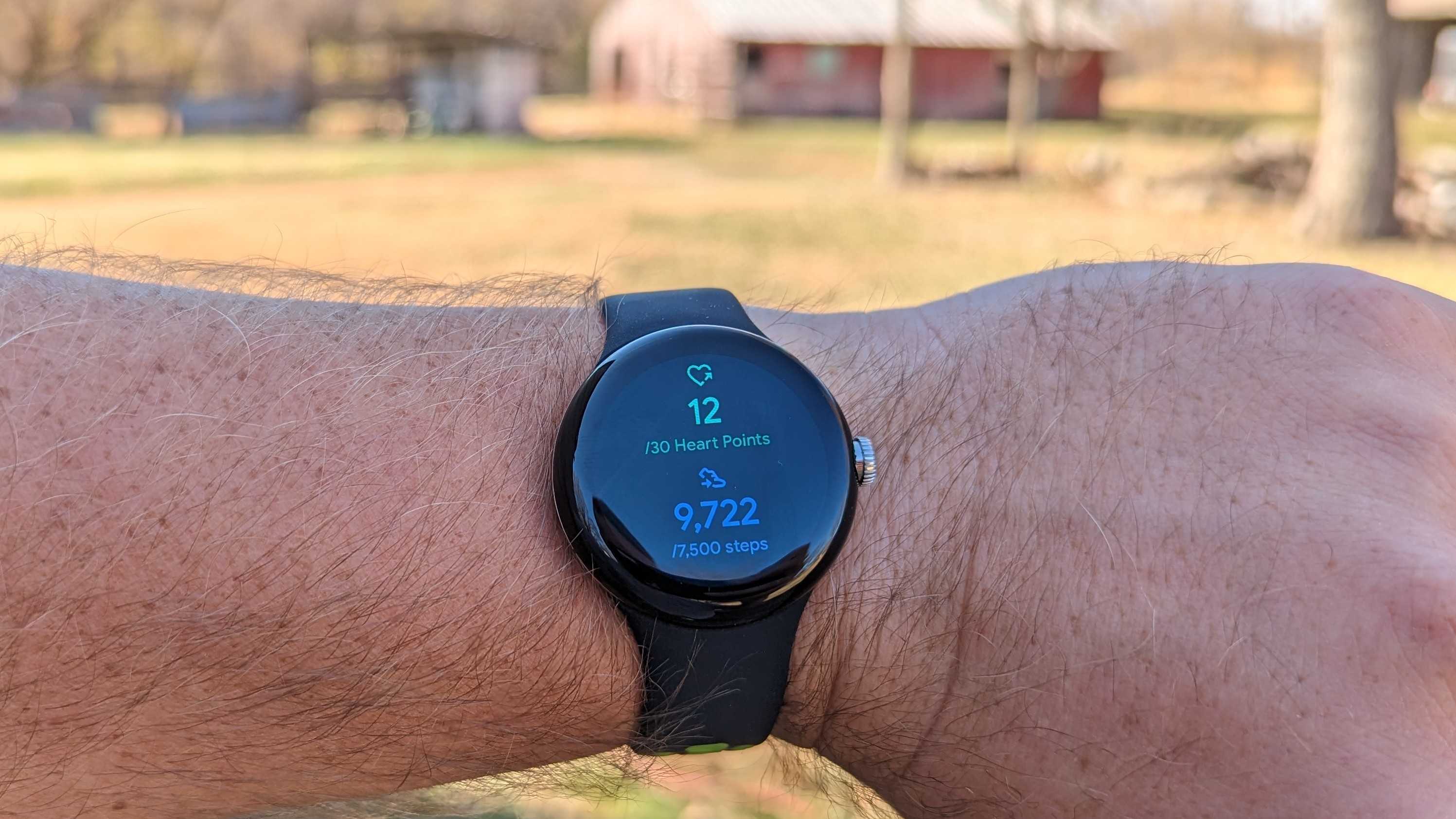
Are you looking to combine the power of Google Home with the functionality of Google Fit? Look no further, as this article will take you through the steps to sync your fitness data and use it with various smart devices like Nest displays. With Google Fit, you can keep all your fitness information tied to your Google Account and share it with other apps and devices you use to stay healthy. When you want to check in or get insights about your activities, open Google Fit. You can grant apps access to the data, and remove this access at any time in the Google Fit settings. ### Benefits of Using Google Fit with Google Home Using Google Home with Google Fit allows you to access your fitness data on the go. Here are some benefits of this integration: * You can display your activity metrics, like number of steps and calories burned from Google Fit or Fitbit, on your Nest display. * This integration makes it easier to track your health and fitness goals. * By pairing Google Home with Google Fit, you can receive real-time fitness data and notifications. ### Setting Up Google Fit on Google Home To link your Google Fit account with Google Home, follow these steps:Step 1: Open Google Assistant Wellness Settings
Open your Assistant wellness settings. Check that you're signed in to the Google Account you want to use.Step 2: Link Your Fitness Account