How to Stay Safe Online While Using Online Communities
Staying safe in online communities is crucial to protect yourself from cyberbullying, scams, identity theft, data breaches, and other online threats. As we spend more time online, it's essential to be aware of the potential risks and take necessary precautions to ensure a smooth and enjoyable experience.
Understand the Risks
Before we dive into the tips, it's essential to understand the risks associated with online communities. Some of the common threats include:
- Cyberbullying: online harassment, intimidation, or bullying
- Scams: phishing, identity theft, or other online deceitful activities
- Identity Theft: stealing personal information, such as passwords or financial data
- Data Breaches: unauthorized access to sensitive information
Tips to Stay Safe Online
Here are some practical tips to help you stay safe online while using online communities:
1. Be Cautious of Links and Attachments
Be wary of clicking on suspicious links or opening attachments from unknown senders. These can contain malware, viruses, or phishing scams that can compromise your devices or steal your personal information.
2. Use Strong Passwords
Use complex and unique passwords for each online account. Avoid using easily guessable information, such as your name, birthdate, or common words. Consider using a password manager to keep track of your passwords securely.
3. Verify the Authenticity of Online Profiles and Accounts
Be cautious of online profiles or accounts that seem suspicious or fishy. Verify the authenticity by checking the account holder's photos, posts, or other publicly available information.
4. Report Suspicious Activity
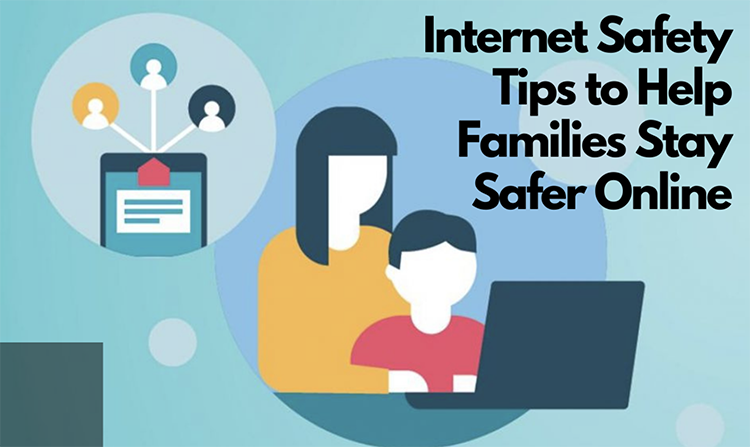
Report any suspicious activity, such as spam, phishing, or harassment, to the online community administrators or moderators. They can help take action to prevent further harm.
5. Keep Your Devices and Software Up-to-Date
Regularly update your devices, operating systems, and software to ensure you have the latest security patches and updates.
6. Use Two-Factor Authentication (2FA)
Enable 2FA whenever possible, which adds an extra layer of security to your online accounts. This can include receiving a code via SMS or an authenticator app.
7. Set Boundaries and Use Time Management Tools
Establish clear boundaries between your online and offline activities. Use time management tools, such as website blockers or apps that track your screen time, to maintain a healthy balance.
8. Educate Yourself on Online Safety
Stay informed about the latest online safety tips, best practices, and software updates. This will help you make informed decisions and stay ahead of potential threats.
Conclusion
Staying safe online while using online communities requires a combination of caution, awareness, and best practices. By following these tips, you can significantly reduce the risk of cyberbullying, scams, identity theft, and other online threats. Remember, online safety is a shared responsibility, so be mindful of your actions and encourage others to do the same.
Stay safe online!