Desk Eye Strain: Understanding and Preventing Digital Discomfort
Are you tired of dealing with sore eyes, headaches, and blurry vision after a long day at the office or working on your computer at home? You're not alone. Desk eye strain, also known as computer vision syndrome, affects millions of people worldwide. In this article, we'll explore the causes of desk eye strain, its symptoms, and most importantly, provide you with practical tips and solutions to prevent and alleviate this common problem.
What is Desk Eye Strain?
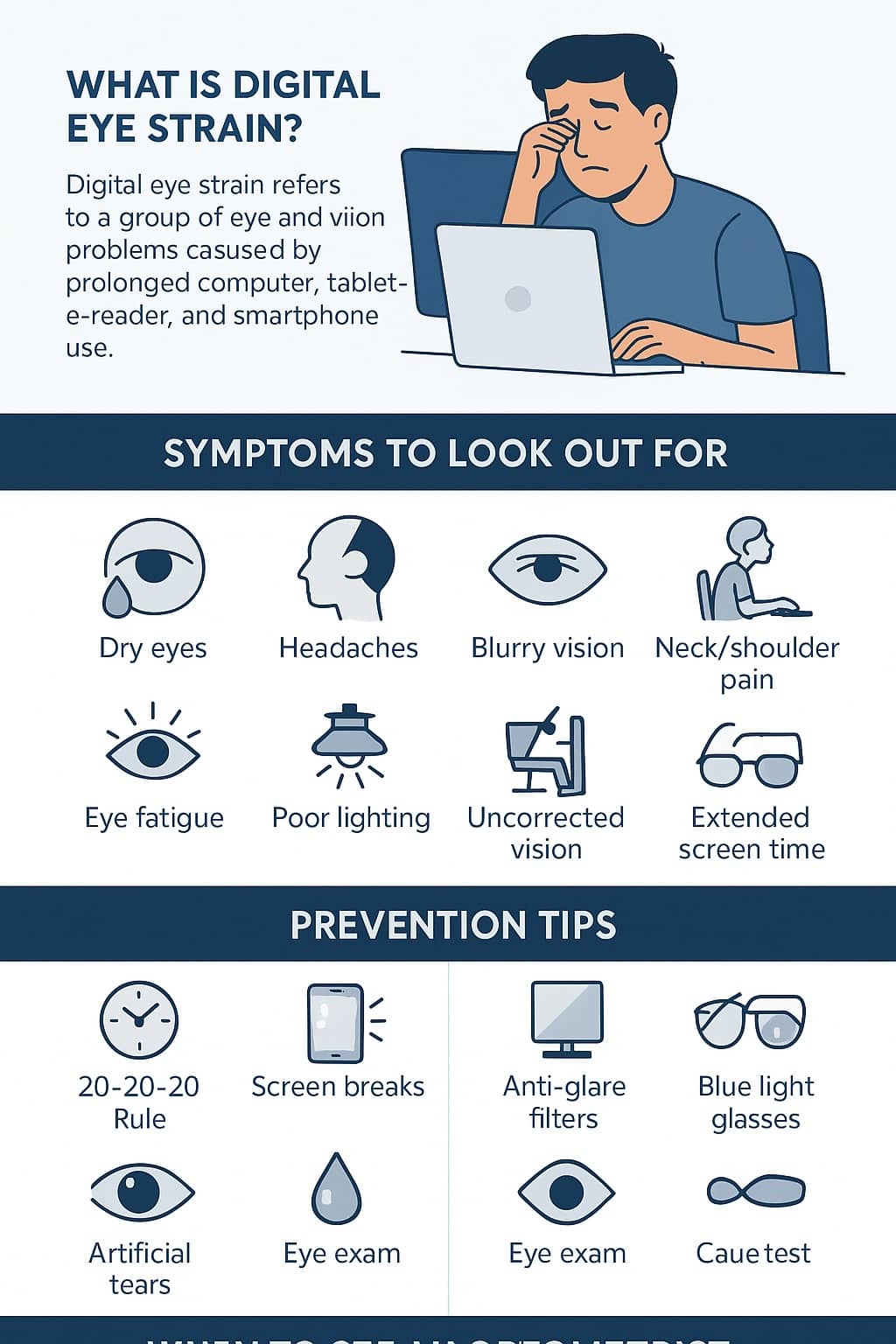
Desk eye strain, also known as computer vision syndrome, is a group of eye and vision-related problems that result from prolonged use of digital devices. This condition can lead to a range of symptoms, including eye fatigue, headaches, dry eyes, blurred vision, and neck and back pain. Research shows that between 50% and 90% of people who work at a computer screen have at least some symptoms of desk eye strain.
Symptoms of Desk Eye Strain
The symptoms of desk eye strain can vary from person to person, but common complaints include:
- Eye fatigue and dryness
- Headaches and eye strain
- Blurred vision and double vision
- Neck and back pain
- Shoulder and wrist pain
Causes of Desk Eye Strain
So, what causes desk eye strain? There are several factors that contribute to this condition, including:
- Prolonged screen time
- Incorrect monitor placement
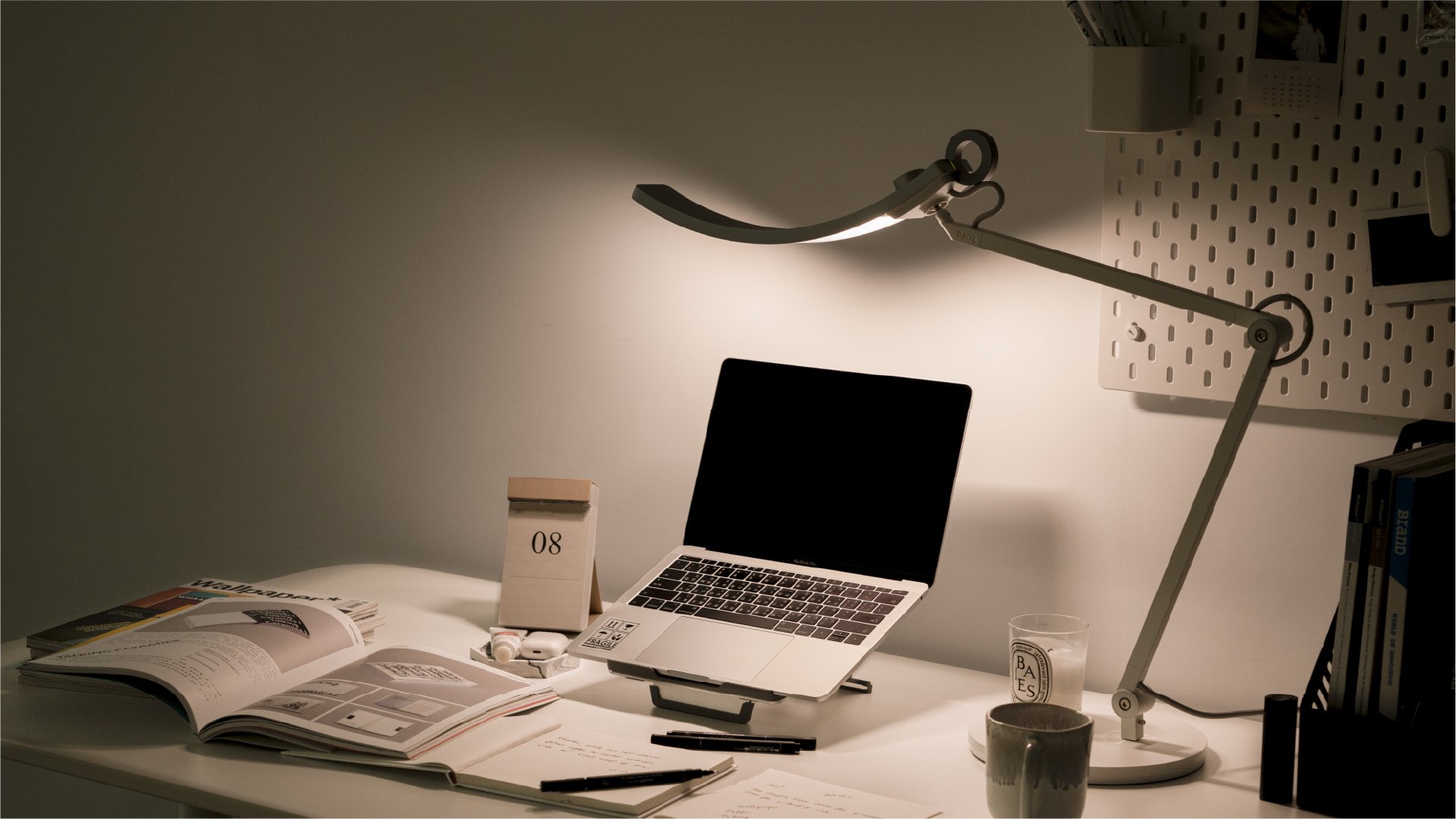
- Inadequate lighting
- Poor posture
- Insufficient breaks
Prevention and Treatment of Desk Eye Strain
The good news is that desk eye strain is preventable and treatable. Here are some practical tips to help you reduce the risk of developing this condition:
1. Follow the 20-20-20 Rule
A simple yet effective way to reduce eye strain is to follow the 20-20-20 rule. Every 20 minutes, look away from your screen and focus on something 20 feet away for 20 seconds. This will help reduce eye fatigue and prevent strain.

2. Adjust Your Monitor Settings
Make sure your monitor is at a comfortable distance and height. The top of the screen should be at eye level or slightly below. You should be able to see the entire screen without tilting your head up or down.
3. Use Good Lighting
Avoid placing your computer in a position where you're facing a window or other light source. Instead, position your computer to face a neutral background, such as a wall or a light-colored screen.
4. Take Breaks
Take regular breaks to stretch, move around, and rest your eyes. This will help reduce eye strain and prevent fatigue.
5. Use Ergonomic Accessories
Consider using ergonomic accessories, such as a document holder or a keyboard tray, to reduce strain on your eyes and body.
6. Get Regular Eye Exams
Regular eye exams can help detect any underlying eye problems that may be contributing to desk eye strain. Make sure to get your eyes checked every 1-2 years, or as recommended by your eye care professional.
Conclusion
Desk eye strain is a common problem that affects millions of people worldwide. By understanding the causes and symptoms of this condition, you can take steps to prevent and alleviate it. Remember to follow the 20-20-20 rule, adjust your monitor settings, use good lighting, take breaks, use ergonomic accessories, and get regular eye exams. With these simple tips, you can reduce the risk of developing desk eye strain and maintain healthy, comfortable eyes.





.webp "How to Relieve Eye Strain in the Office - FlexiSpot")